Electrical connections
Before making the connection to the mains, ensure that the voltage and frequency are as indicated on
the appliance rating plate.
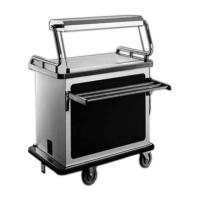
Connect the appliance to the power supply with an earthed socket. For making the connection,
a socket protected with a fuse of max. 16 A has to be provided for each unit.
Start-up
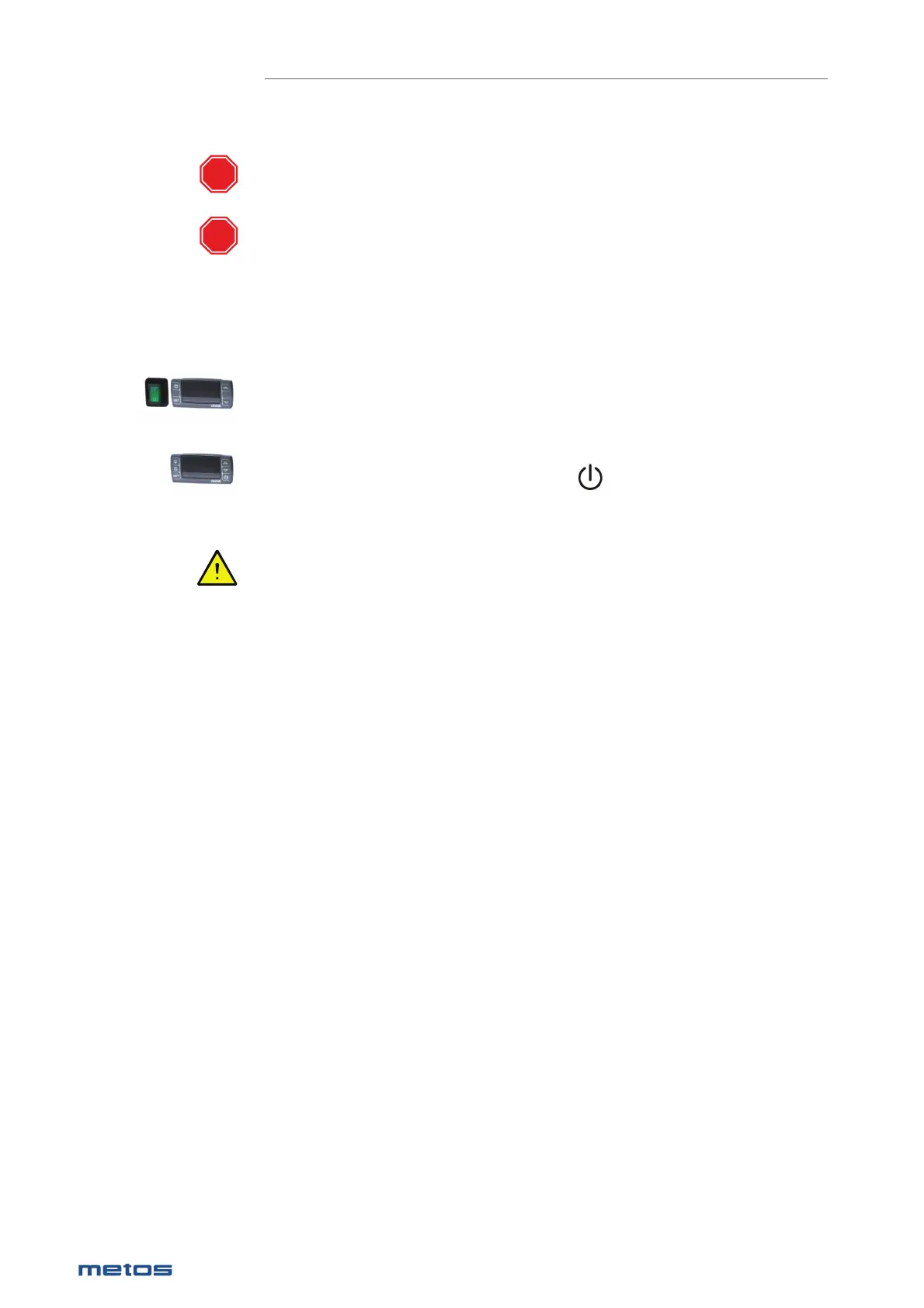
After connecting the appliance to the power supply, turn on the main switch and make sure that the indi-
cator light of the switch lights up. Some models do not have a separate main switch. They are switched
on when the unit is connected to the mains
If the appliance is equipped with a main switch:
Turn on the appliance with the switch, the thermostat display will then show the inside temperature of
the appliance.
If the appliance is not equipped with a main switch:
Turn on the appliance by pressing the thermostat button , the thermostat display will then show
the appliance’s internal temperature. When the unit is in standby mode, “OFF” appears on the display..
Ensure that the cooling unit compressor starts (starts with a delay of about 1 minute).
In case you have problems with taking the appliance into use, contact service.
Drain
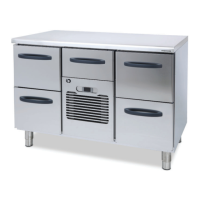
The device is equipped with evaporation of defrost water by hot gas. The evaporation pan can be fi tted
with an overfl ow pipe (see “Technical specifi cations / installation drawings) for connection to the sewer
system.
STOP
STOP
26
|
28.1.2020 Rev. 9.0
METOS PROFF / CLASSIC


 To Next Page