95-7866B KIT PREPARATION
2
A
B
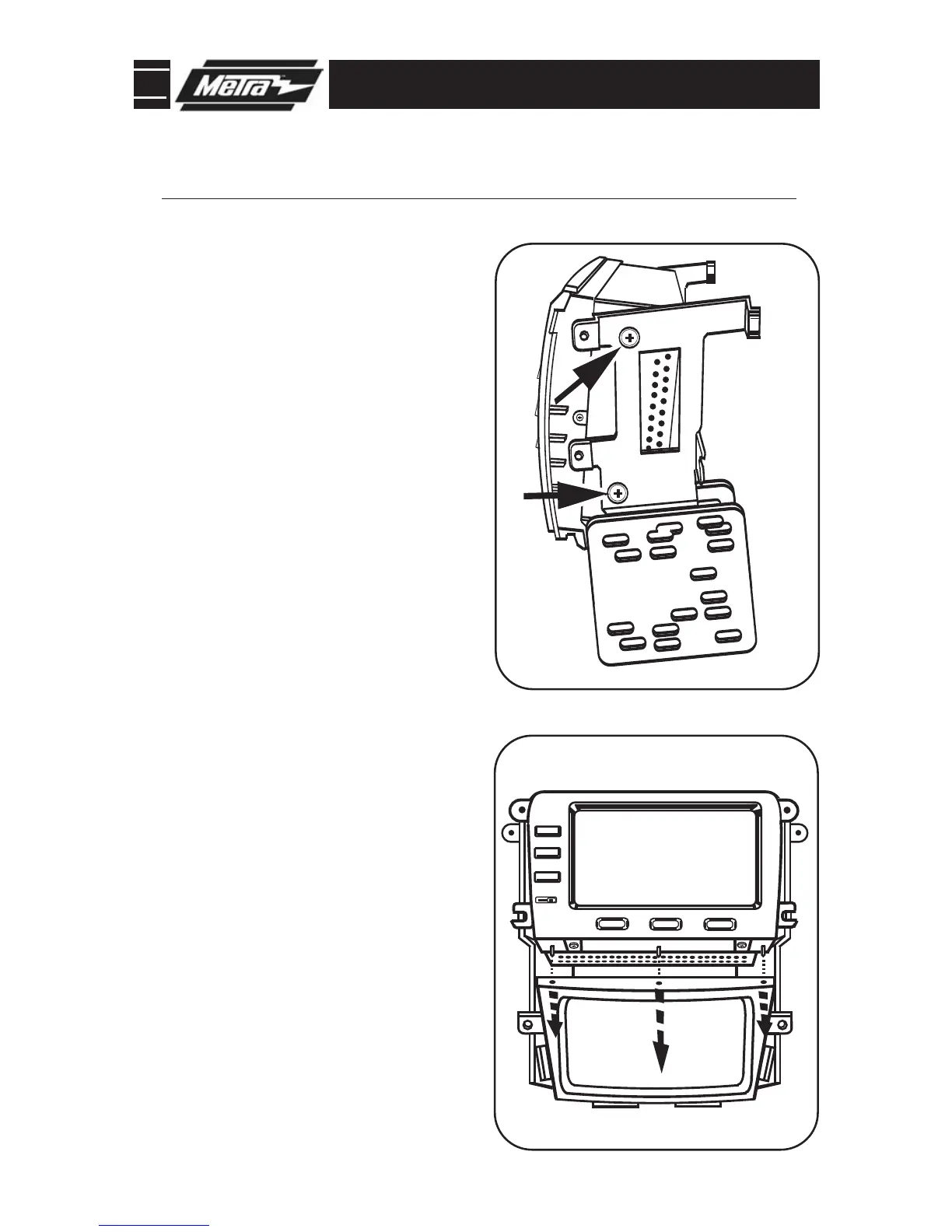
DISPLAY UNIT ASSEMBLY
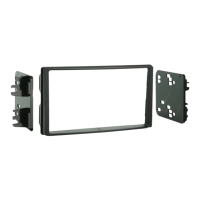
Using the mounting screws from the
display unit, attach the brackets
supplied with the kit by aligning the
guide pins on the display with the
holes on the brackets.
(Figure A)
1
Align guide pins on bottom of display
unit with holes on top of housing and
attach the unit to the housing using
the (2) screws previously removed.
(Figure B)
2
Continue to kit assembly.
*
Note: Refer also to the instructions included with the aftermarket radio.



 To Next Page