3
YLBMESSA TIK
DIN HEAD UNIT PROVISIONS:
1
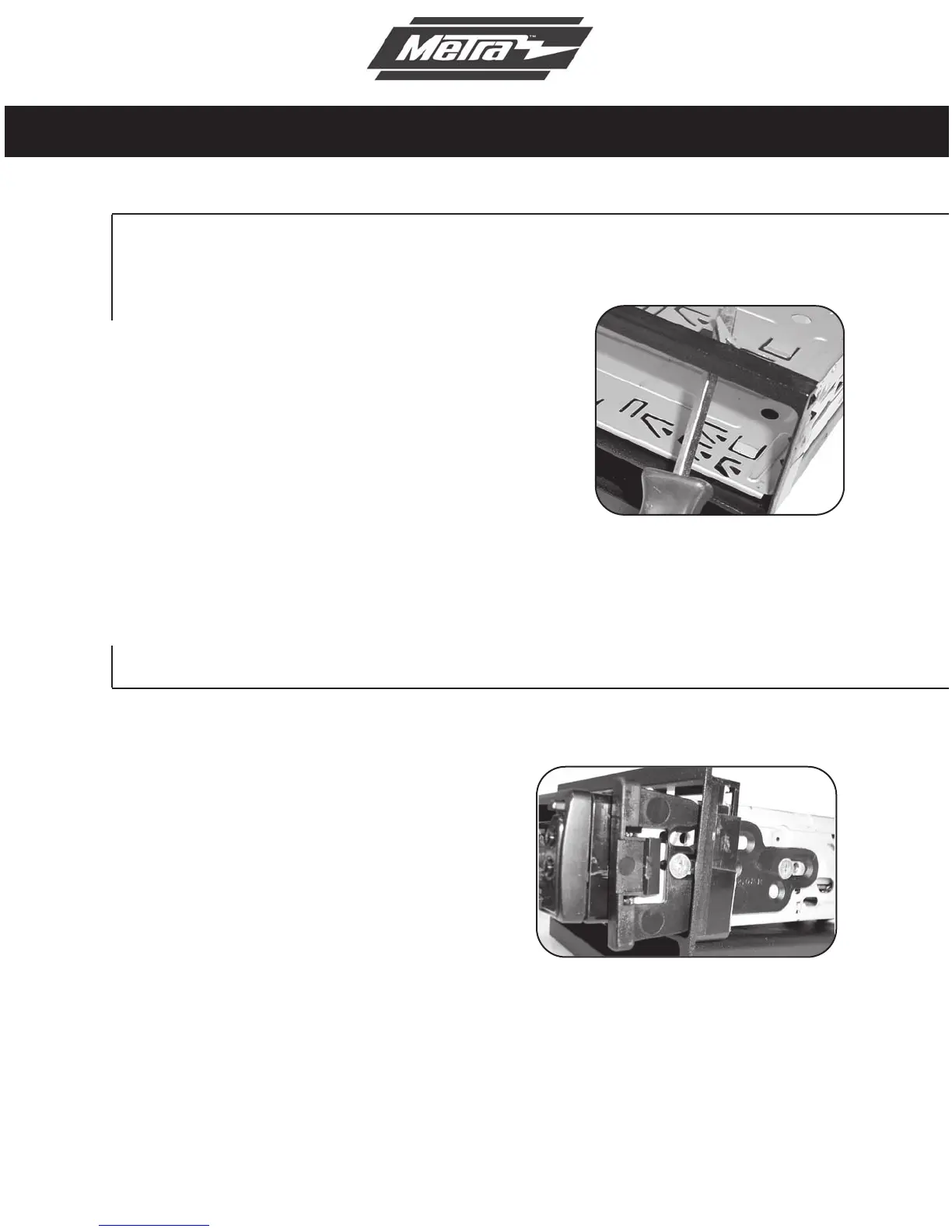
Slide the DIN cage into the
Radio Housing and secure
by bending the metal locking
tabs down.
2
Slide the after-market head
unit into the cage and
secure. Snap the Trim plate
into the Radio Housing.
99-5806
ISO DIN HEAD UNIT PROVISIONS:
1
Mount the ISO Brackets to
the head unit with the screws
supplied with the unit.
2
Slide the head unit into the
radio opening until the side
clips engage. Snap the Trim
plate into the Radio Housing.
NOTE: When reinstalling the screws
into the bottom of the 99-5806 use the
(2) supplied Phillips screws instead of
the factory screws removed in step 5
in Dash Disassembly.



 To Next Page