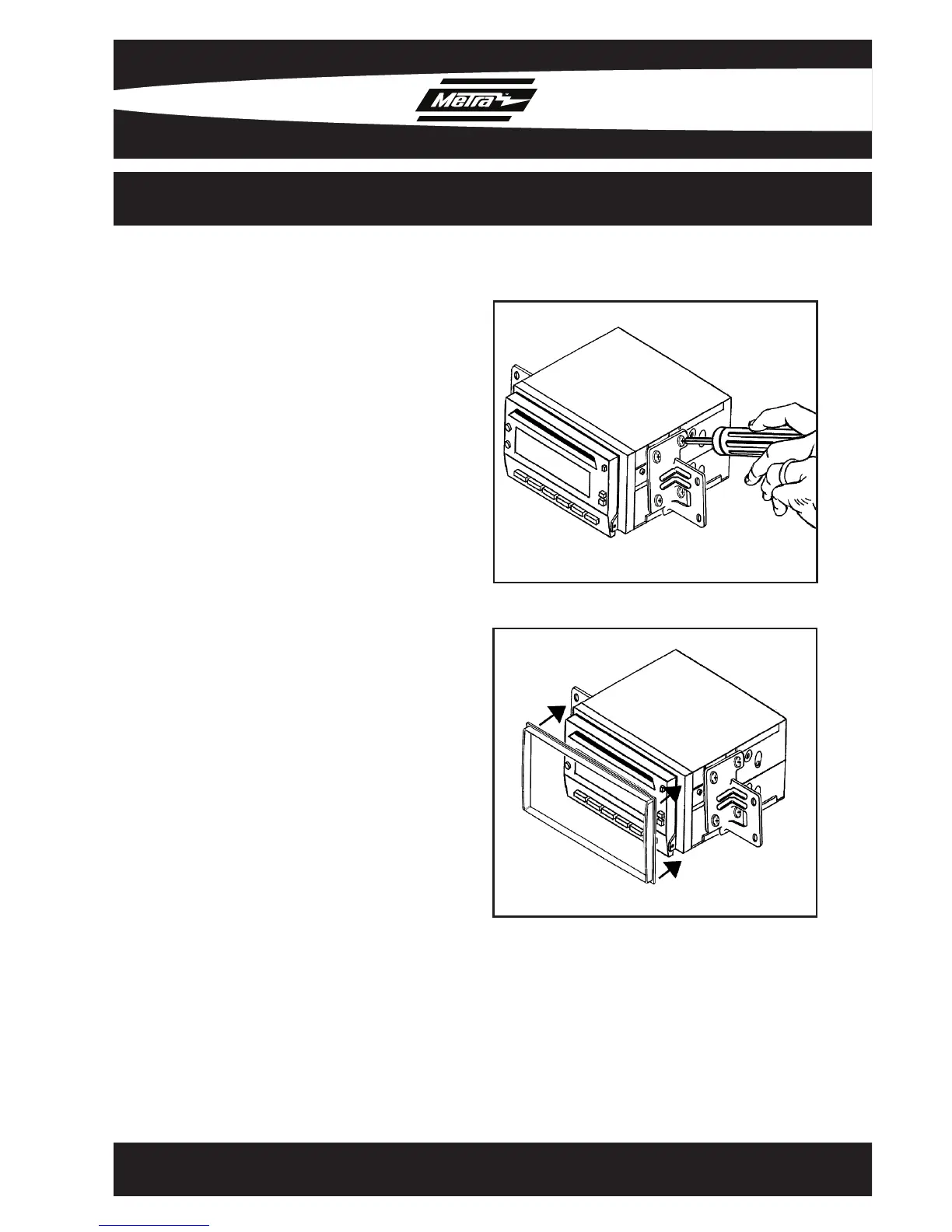
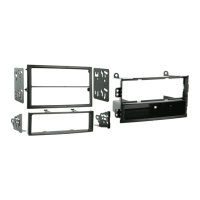
1. Mount the factory brackets
(removed from factory radio during
disassembly) to the sides of the
double DIN radio using screws
supplied with the double DIN radio.
(Figure A)
2. Locate the factory wiring harness and
antenna plug in the dash. Metra
recommends using the proper mating
adapters from Metra and/or AXXESS.
3. Place the DDIN trim plate on the front
of the DDIN radio. (Figure B)
4. Reassemble d
ash in reverse order
of disassembly.
Figure A
Figure B
99-7610
6
DOUBLE DIN MOUNT RADIO PROVISION



 To Next Page