REV. 12/12/2019 INSTJP-1014
3
DASH DISASSEMBLY
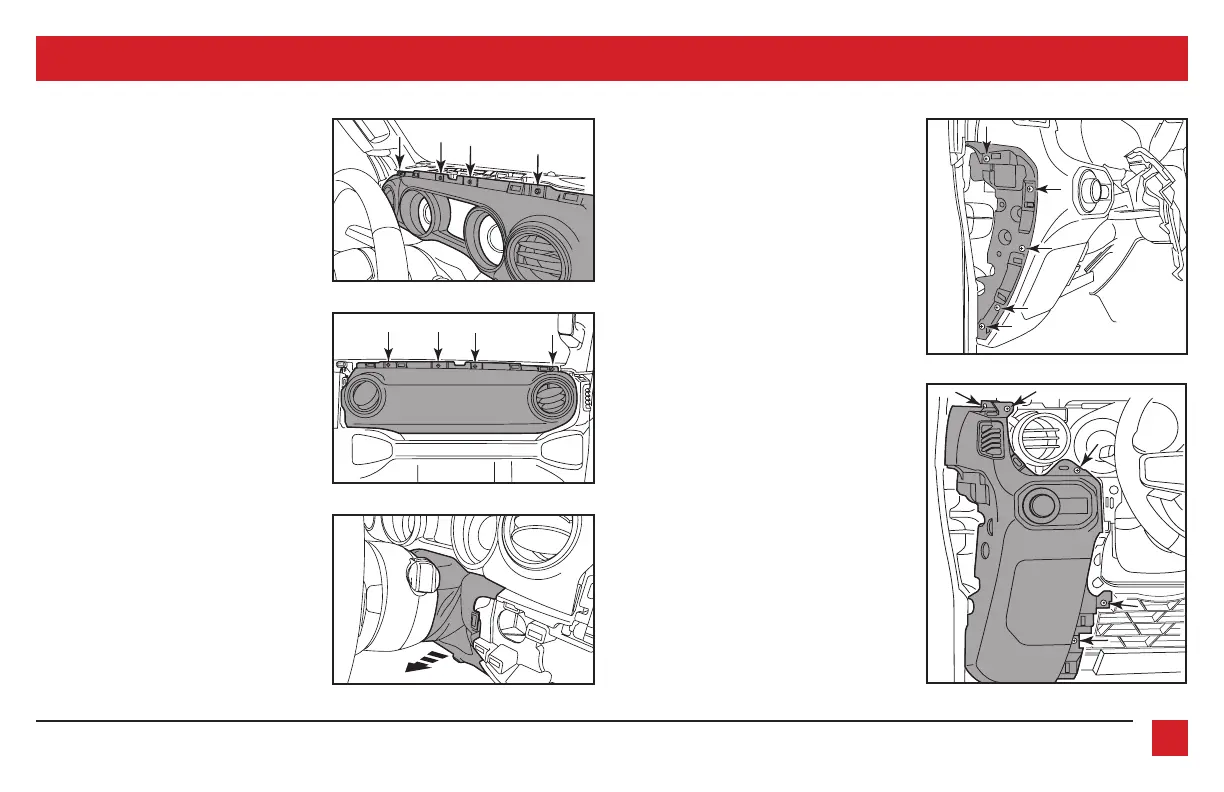
5. Remove (8) Phillips screws securing the
instrument panel on the left side, and
airbag panel on the right side.
(Figure F, G)
6. Unclip the steering column shroud then
set aside. (Figure H)
Driver’s side speaker removal:
7. Open the driver’s door, then unclip
and remove the panel on the side of
the dash. Remove (5) Phillips screws
exposed. (Figure I)
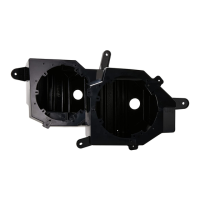
8. Remove (5) Phillips screws securing the
speaker panel, then unclip and remove.
(Figure J)
(Figure I)
(Figure F)
(Figure G)
(Figure H) (Figure J)



 To Next Page