157
k
10.1.2.2 Setting the flash mode Remote M
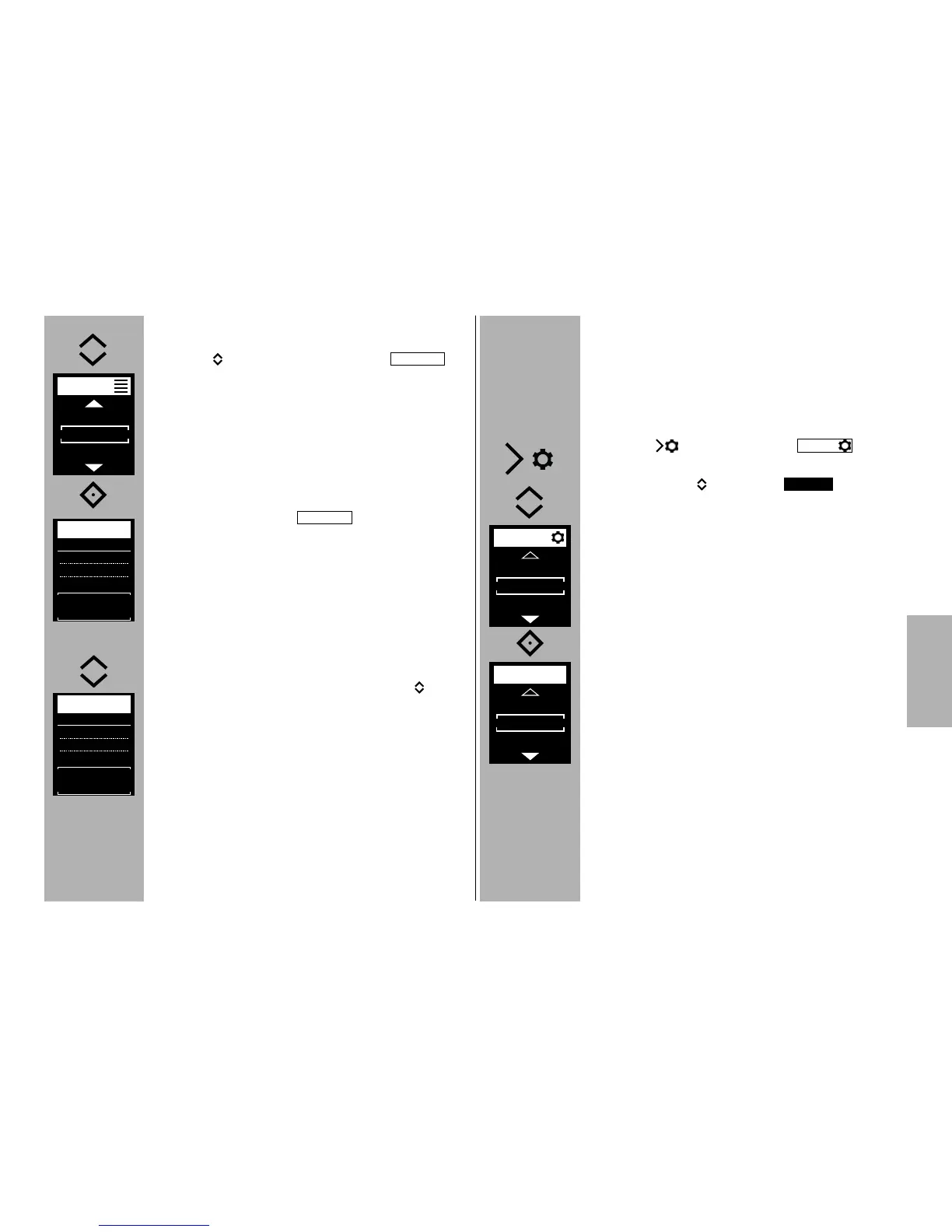
• Use the h keys to select the mode .
• Press the ° i button and confirm the selected set-
ting.
The remote flash mode has been set.
In the example, ratio is activated. If so desired, ratio
can be deactivated.
To do so, see Section on ratio control 10.1.3
If needed, manual partial light output P ranging
from P 1/1 (max.) and P 1/256 (min.) can be set in
steps of 3 in manual flash mode using the h keys.
The setting is effective immediately and automati-
cally saved.
In the example, a manual partial light output level
of P 1/4 is displayed.
M
M
10.1.3 RATIO
If so desired, the RATIO can be set. This will assign a
different weight to the master CTRL and the slave
groups RMT and RMT2 for lighting purposes.
Activate / deactivate ratio
• Press the button and the menu
will appear.
• Use the buttons to select .
• Press the
° button and confirm the selected
setting.
In the OFF position, the ratio is deactivated.
OPT.
RATIO



 To Next Page