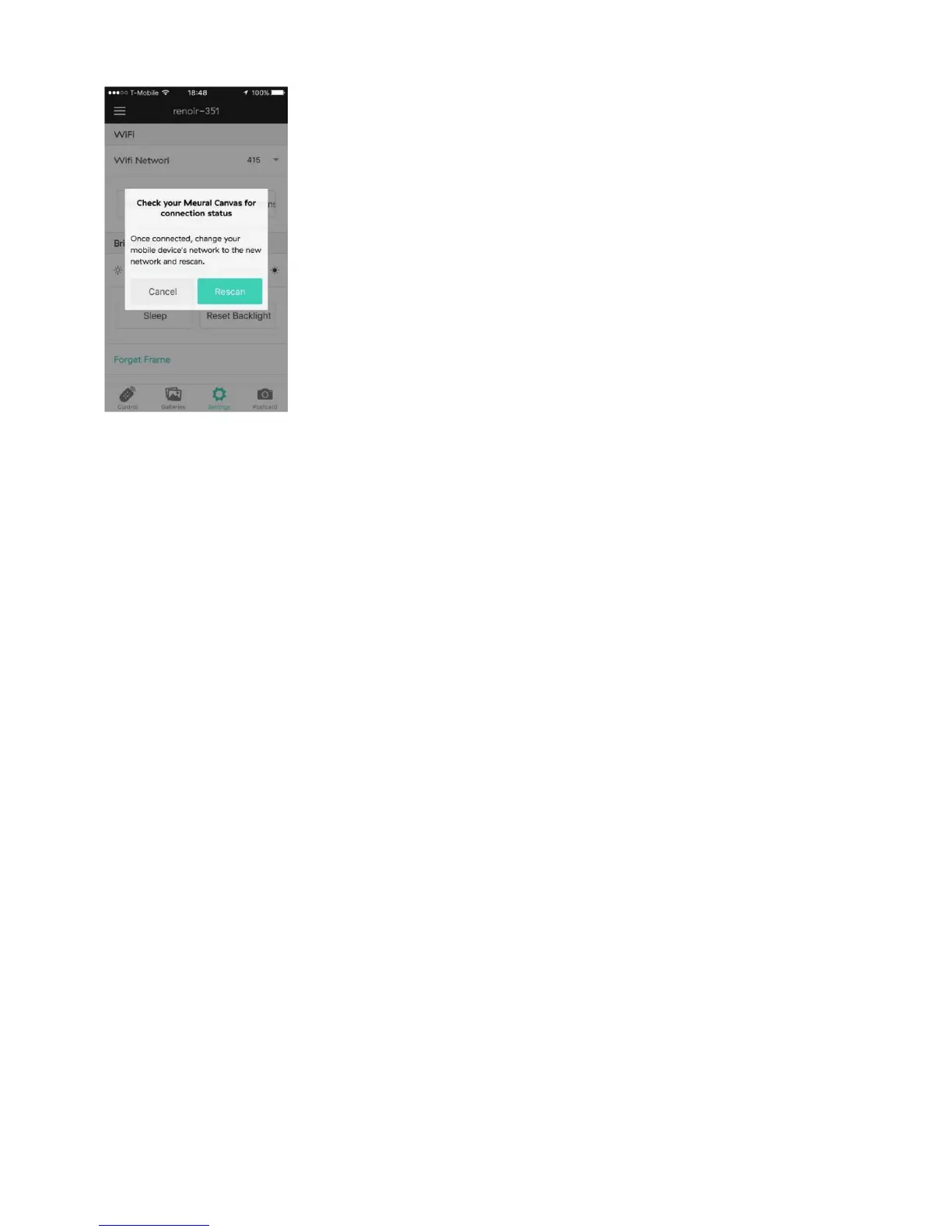
If your mobile device does not automatically revert to your primary WiFi
network, conduct the switch manually in your mobile device’s WiFi
settings. If the original scan doesn’t connected to the frame, the Advanced
Scan option lets you manually input the frame’s IP.
At any point, you can also use the “forget this frame” option, to remove it
from your list of active frames.
Now your Meural Canvas is all connected! Explore what it can do through
the app and the online dashboard.
Check your Meural Canvas for connection
status. After connecting the device to your
primary WiFi network, the Meural mobile app
will automatically prompt you to rescan for
your canvas. Select “Rescan” and your mobile
device will redetect the canvas.
10


 To Next Page