Navigating the Desktop Platform
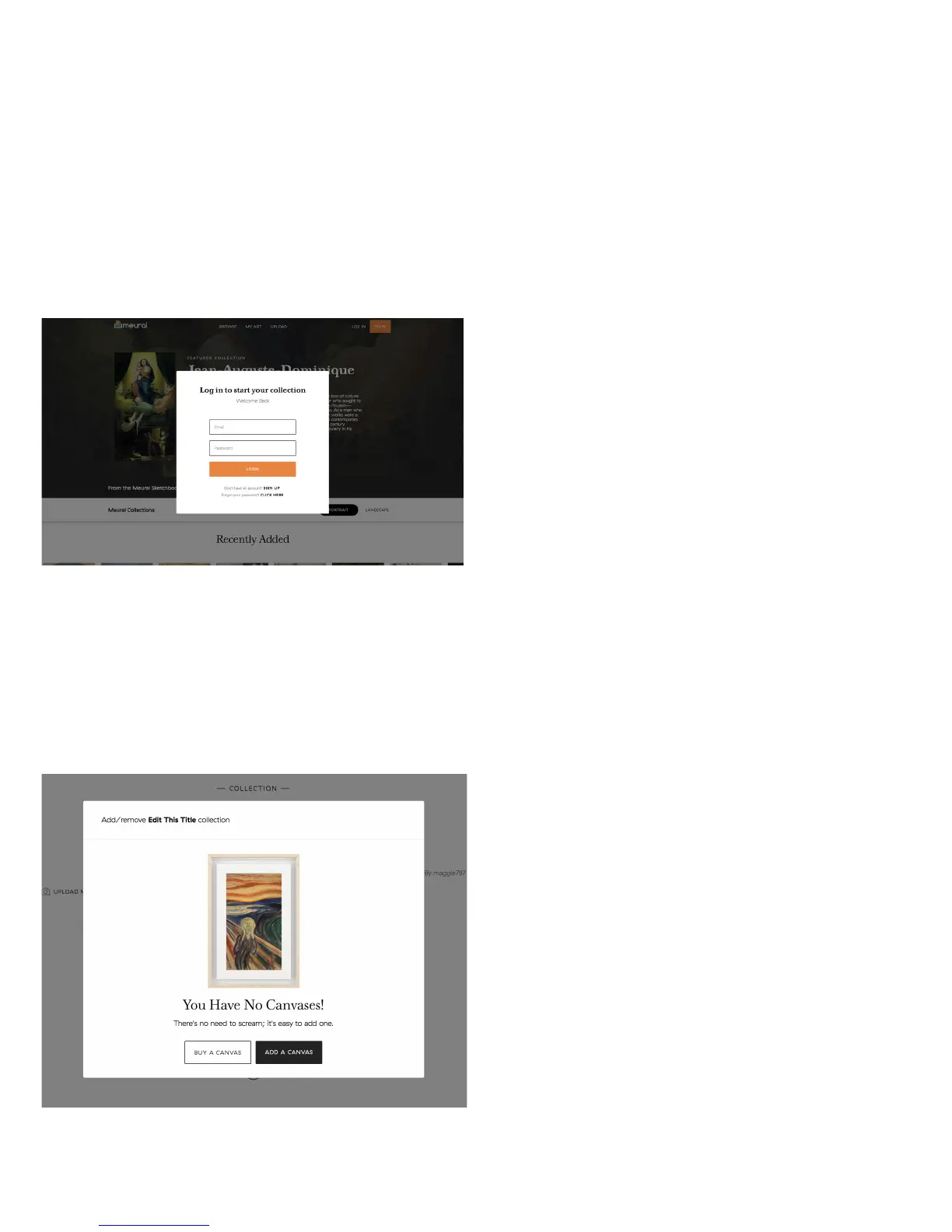
To use the desktop platform, go to my.meural.com and create an account.
This can be done by clicking “Sign Up” underneath the login credentials fields.
Once you have created an account, you
can browse, upload/download, add, and
schedule galleries to stream to your canvas
via the online dashboard. Before you do so,
you will need to register your frame within
your newly created account profile.
To register your frame, connect the
device to your online dashboard by going
to “My Frames” and clicking “Add Frame”
in the top right of the screen.
12


 To Next Page