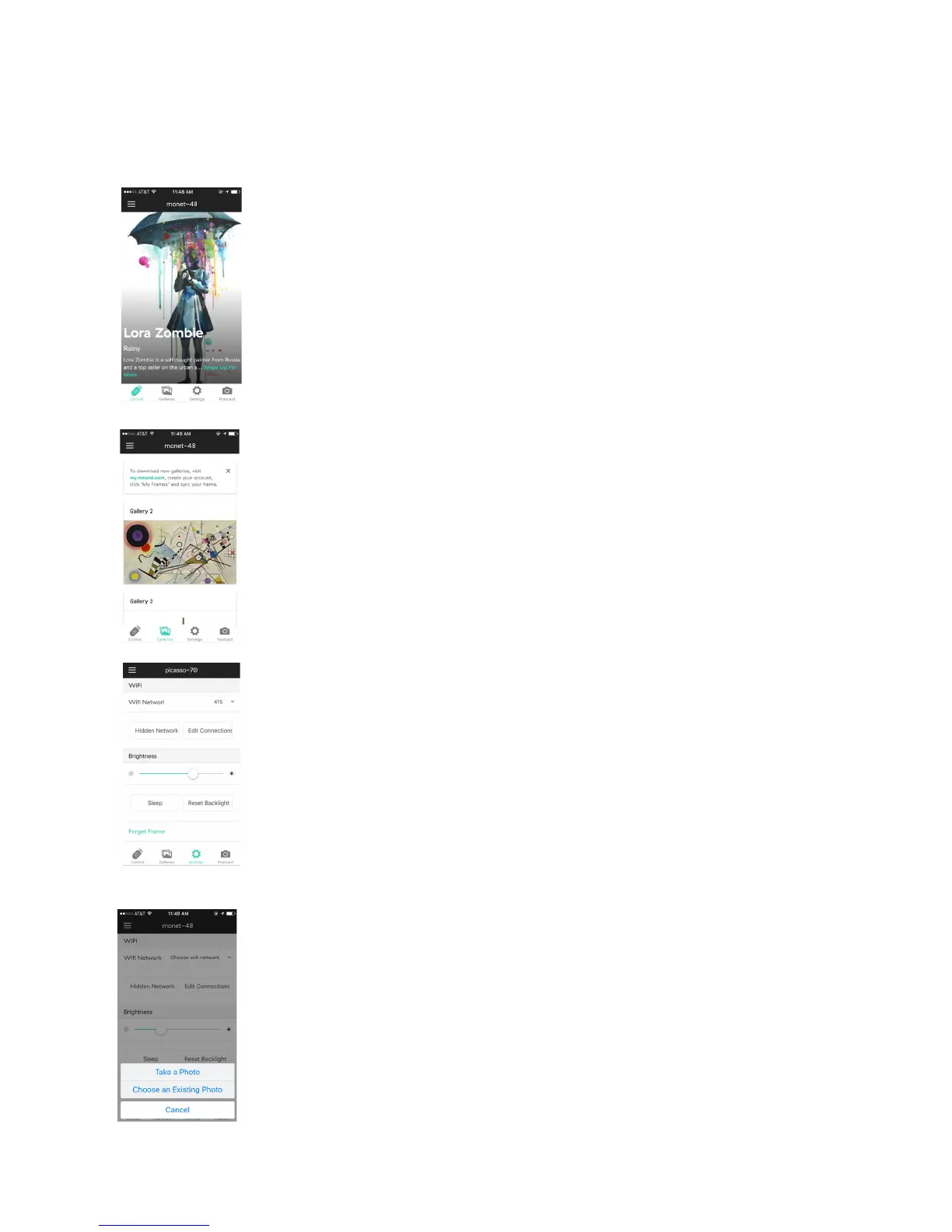
This feature allows you to manage the frame’s content
directly from your mobile device. Using this tool,
you’ll be able to browse the artwork and photography
currently on your frame, as well as find background
information on each piece.
This allows you to browse between the available
galleries on your frame.
Users can manually control the brightness of the
canvas, access available wireless networks, and put
the device to sleep.
Clicking the Postcard button (camera icon) allows you to
send a new or existing photo/image directly from your
mobile device to the Meural Canvas.
Navigating the Mobile App
Meural’s free mobile app gives its users various tools to control the Meural Canvas:
Control
Galleries
Settings
Postcard
11


 To Next Page