MFJ-1798 Vertical Antenna Instructions
17
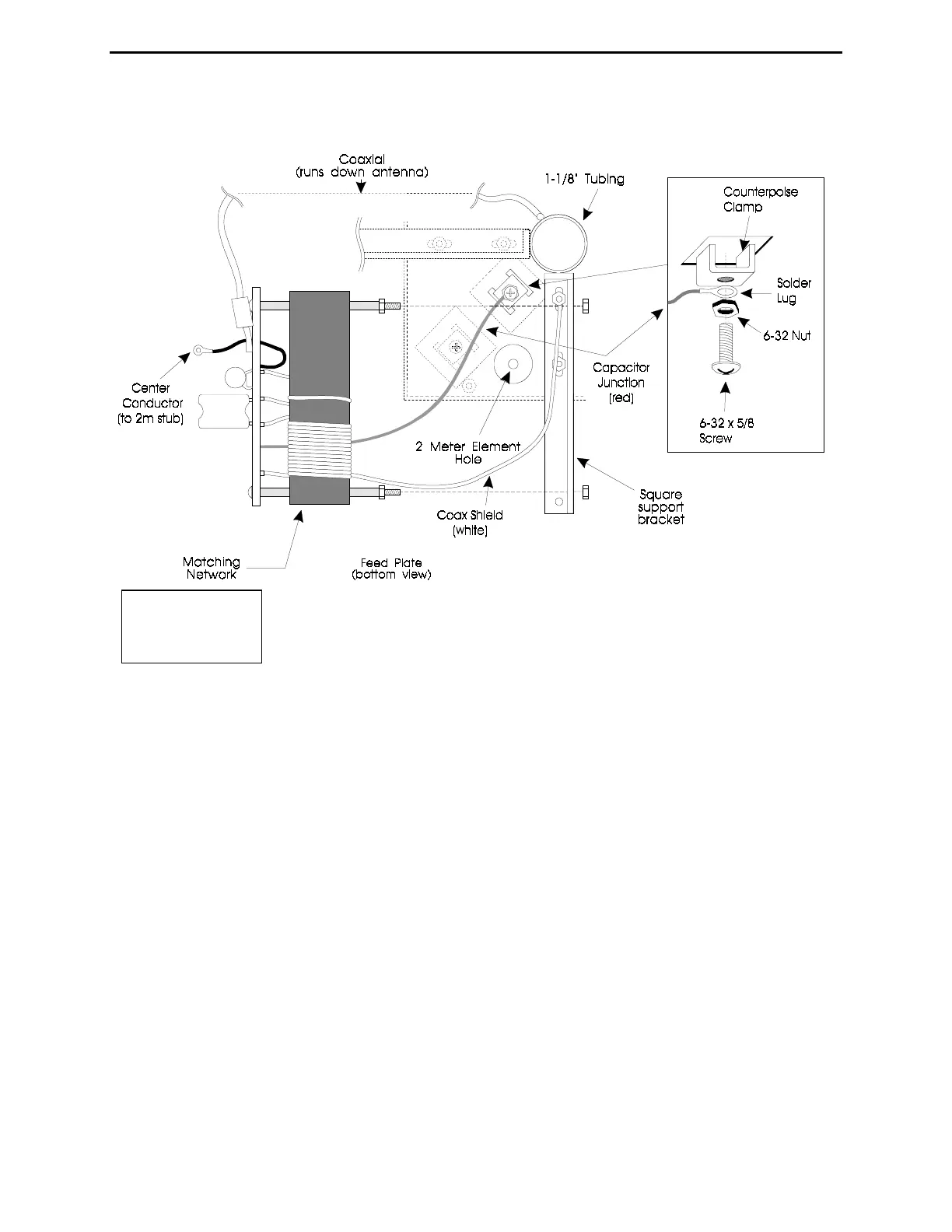
36- Connect the black wire (from the coax center conductor) to the 2 meter
element by removing the #10 mounting nut and replacing it over the black
wire's solder lug (see Figure 5).
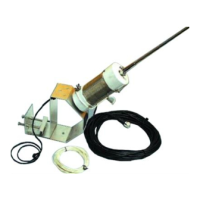
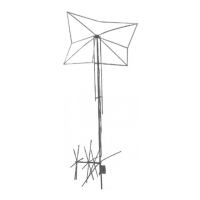
37- Attach the matching network to the square support bracket (coaxial cable towards center of
antenna) by inserting the 6-32 x 3" screws in the matching holes. Install two new 6-32 nuts to
secure the coil's mounting screws to the rectangular bracket (see Figure 7).
Figure
7



 To Next Page