13
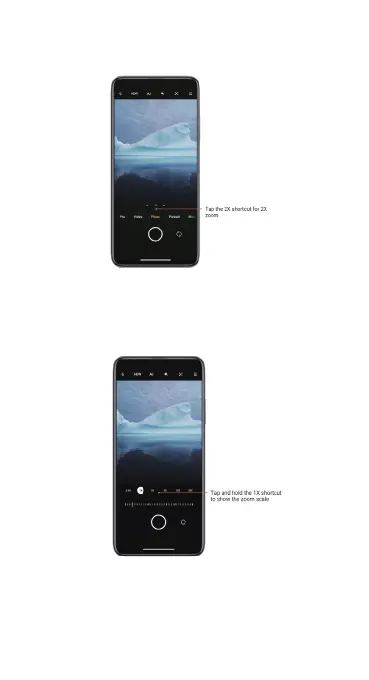
2. 2X zoom
Tap the 2X shortcut to zoom in. Tap it again to make the zoom scale appear.
3. Precise zoom values
Tap a zoom shortcut to make the zoom scale appear. Move the slider on
the zoom scale to adjust the zoom value.
Time stamps and watermarks
You can add time stamps and device watermarks on your photos by toggling
the corresponding switches in the Camera settings. Device watermarks vary
for different phone models.



 To Next Page