6 7
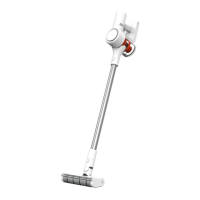
Product Overview
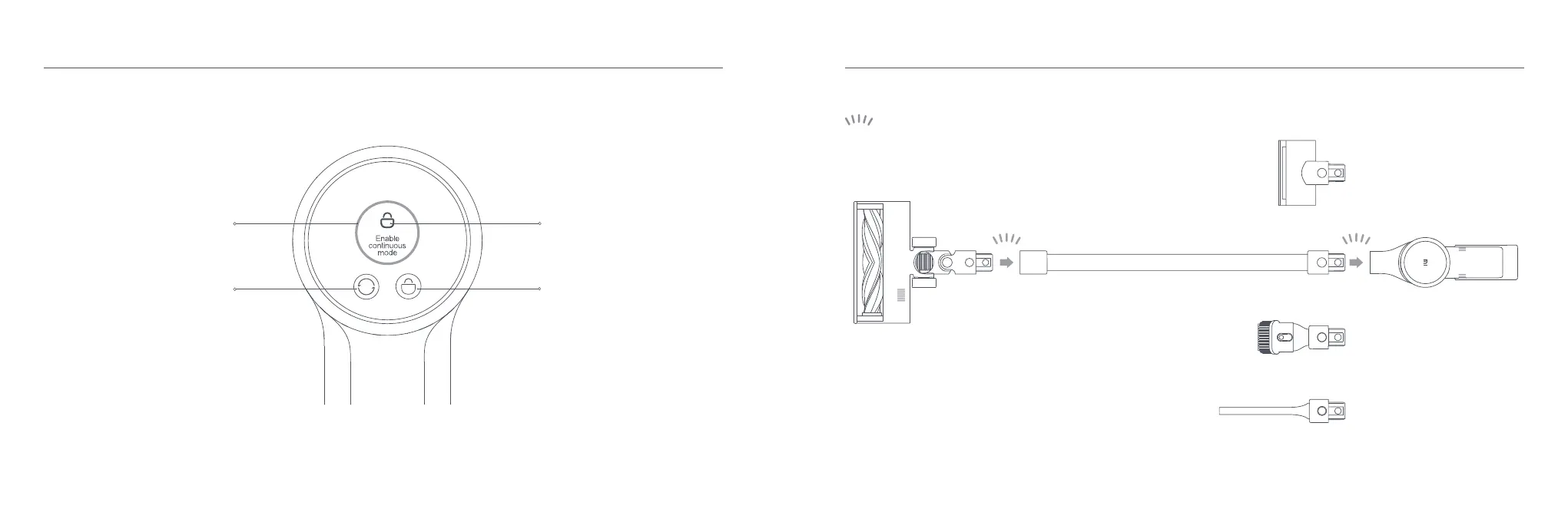
Display Screen
Note: If the vacuum cleaner experiences a malfunction, the display screen will show an error message. For a solution, please refer to the
Troubleshooting section.
Installing the Accessories onto the Vacuum Cleaner
Insert until it clicks into place
Note: Mini electric brush should not be used with the extension rod.
How to Install
Green: Battery level > 20%
Red: Battery level ≤ 20%
Battery Level Indicator
Lock/Unlock Status
Electronic Lock Button
Press to lock/unlock the vacuum cleaner
Suction Level Button
Press to switch the suction levels


 To Next Page