EasyManua.ls Logo

Michele Watch - General Information

Michele Watch
25 pages
Print Icon
To Next Page IconTo Next Page
To Previous Page IconTo Previous Page
Loading...
3
DATE MODELS
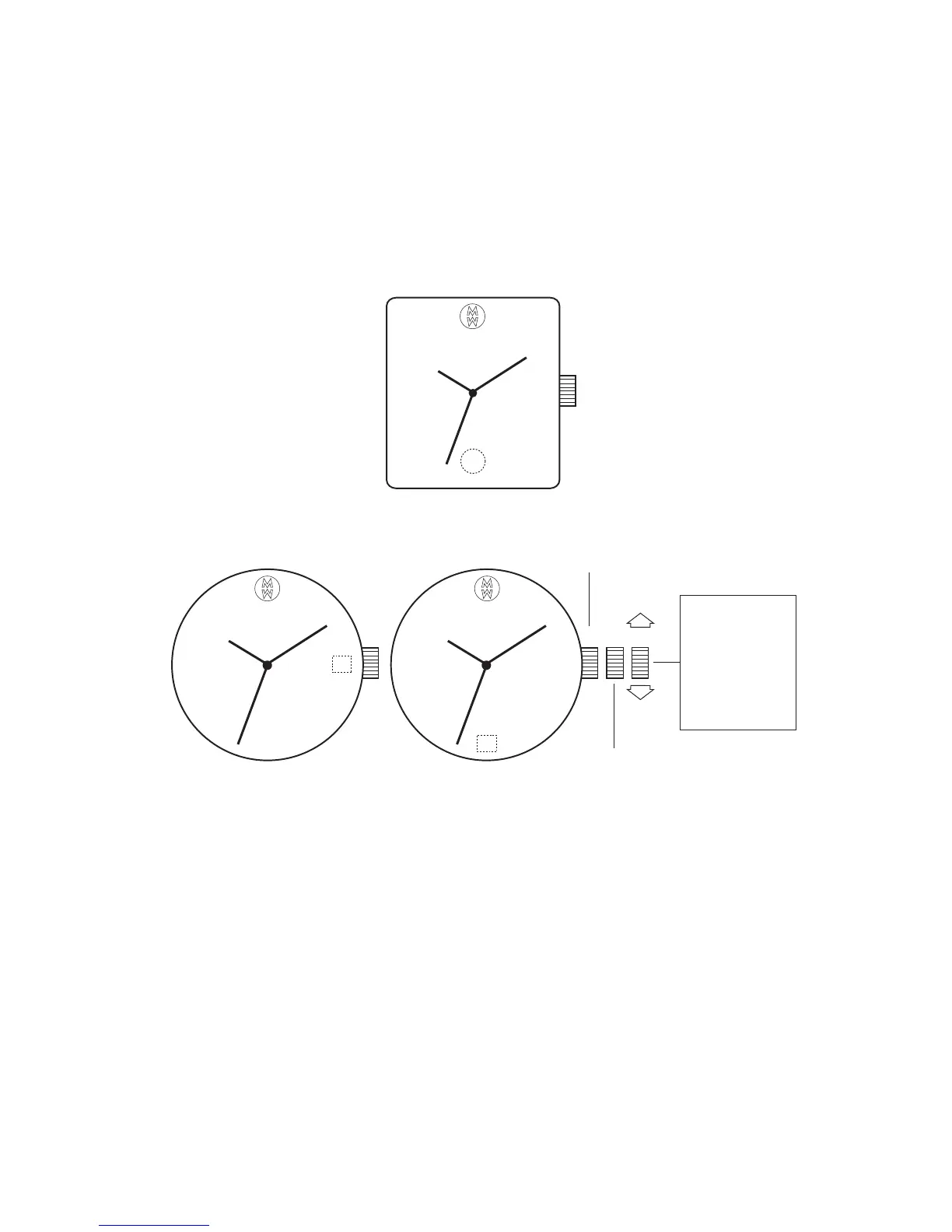
Setting the Time
Setting the Date
Do not change the date between the hours of 10pm and 2am.
This is the time when the movement is in position to carry out the automatic date
change, and any interference may cause damage to the movement.
For rapid correction of date, turn the crown either clockwise or counter-clockwise to set
the date. The direction varies according to the movement.
Rapid correction of date
Display 2

Display 1
Display 3
Closed
II III
Rotate to set
hour & minute
hands. Date
advances with
each 24 hour
rotation of
hour hand.
I
Rapid correction of date
Display 2
Display 1
Display 3
Closed
II III
Rotate to set
hour & minute
hands. Date
advances with
each 24 hour
rotation of
hour hand.
I