General Windows CE
12 M000174-19
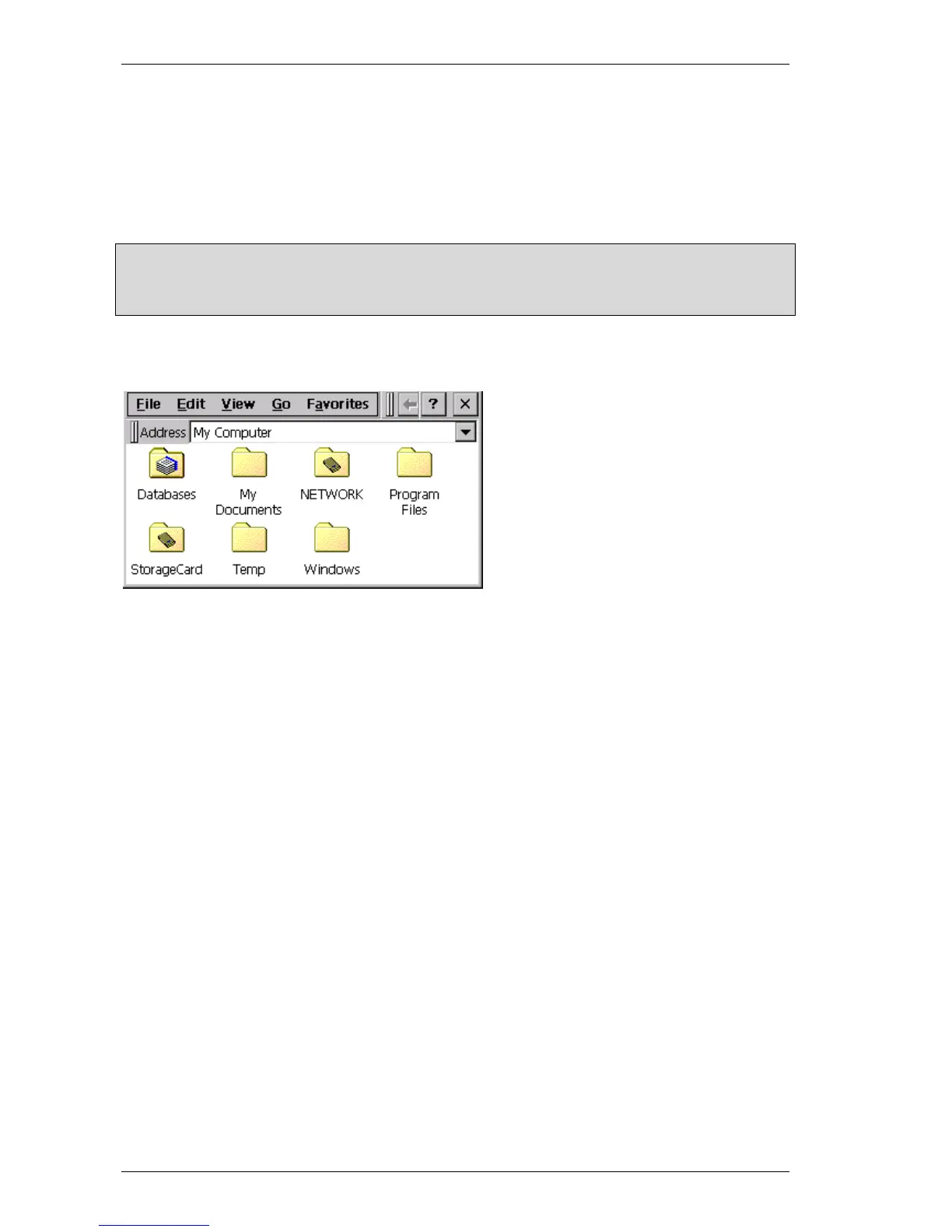
The file system on the device essentially contains the following important directories:
InternalStorage Content of the internal memory
StorageCard Content of the PCMCIA, Compact Flash or SD Flash card
StorageCard2 Content of the second PCMCIA or Compact Flash or SD Flash card, if present
Windows Directory with the system files
Note:
All directories apart from «InternalStorage», «StorageCard» and «StorageCard2» are located in the
working memory (RAM) and are re-created with every device start. In other words, all files that are not
located in these memories are lost when the device is powered down.
The file system can also be viewed and edited directly on the device. For this start the «My
Computer» («My Device») icon on the Desktop or in the Start menu choose «Start – Programs –
Windows Explorer».



 To Next Page