Windows CE System settings
M000174-19 39
4.14 STORAGEMANAGER (STORAGEMANAGER)
Note:
The incorrect handling of this program may cause panels to become non-operational. It should
therefore only be used by experienced users. The StorageManager should only be used in
exceptional situations.
Note:
The StorageManager is only available on XV100 devices.
4.14.1 S
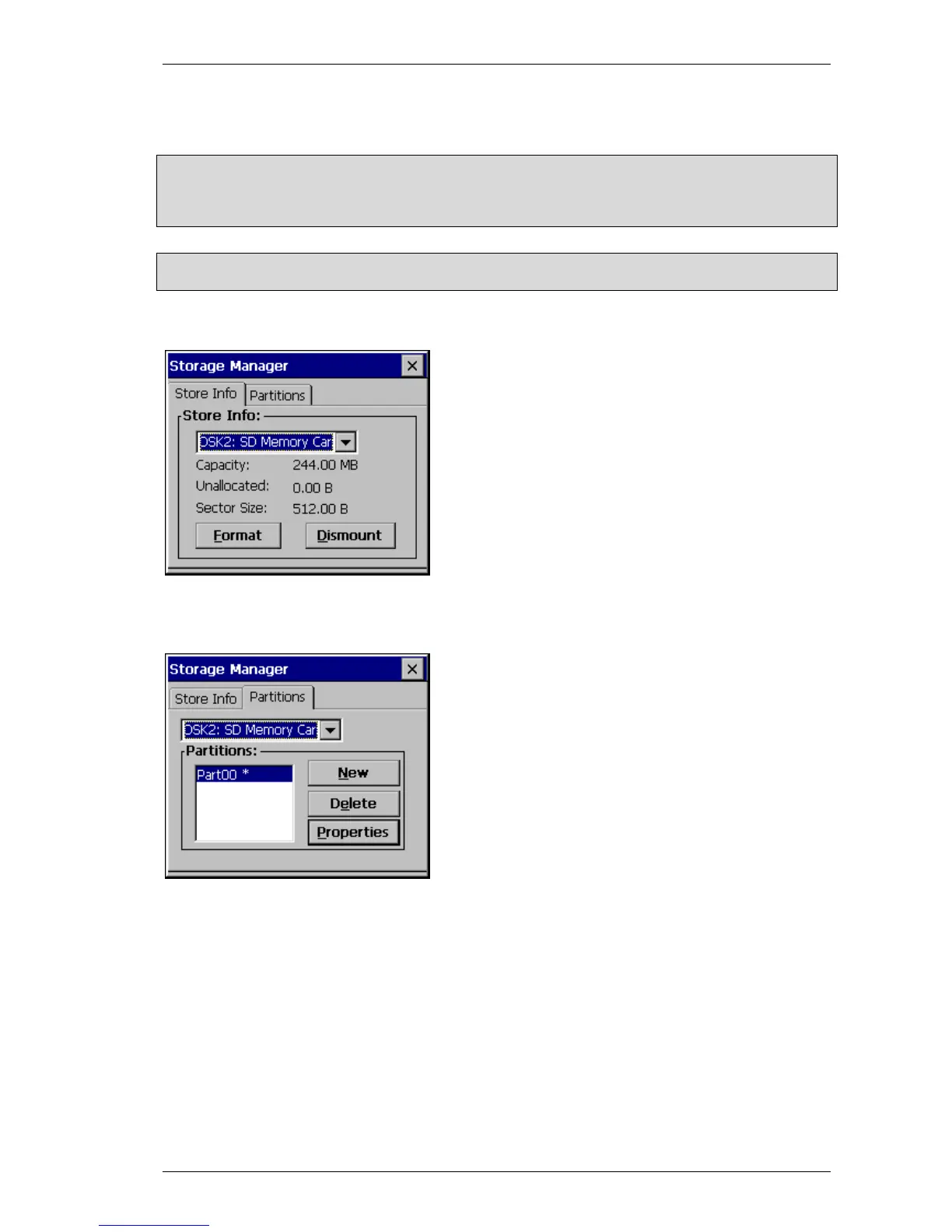
TORE INFO
The following procedure should be observed to format an
entire data carrier:
- Select the data carrier
- Touch Dismount
- Touch Format
All partitions on the data carrier were deleted. (FormatStore
was executed)
4.14.2 P
ARTITIONS
When a new partition is created, the maximum available
memory space can be used, or the size can be defined in
the number of sectors. MBs are converted into sectors as
follows:
Number of sectors = Number of MB x 1024 x 1024 / 512
This partition must still be formatted. To do this choose
Properties and select Dismount, followed by Format.



 To Next Page