Windows CE System settings
M000174-19 37
4.12 KEYBOARD SETUP (KEYBOARD)
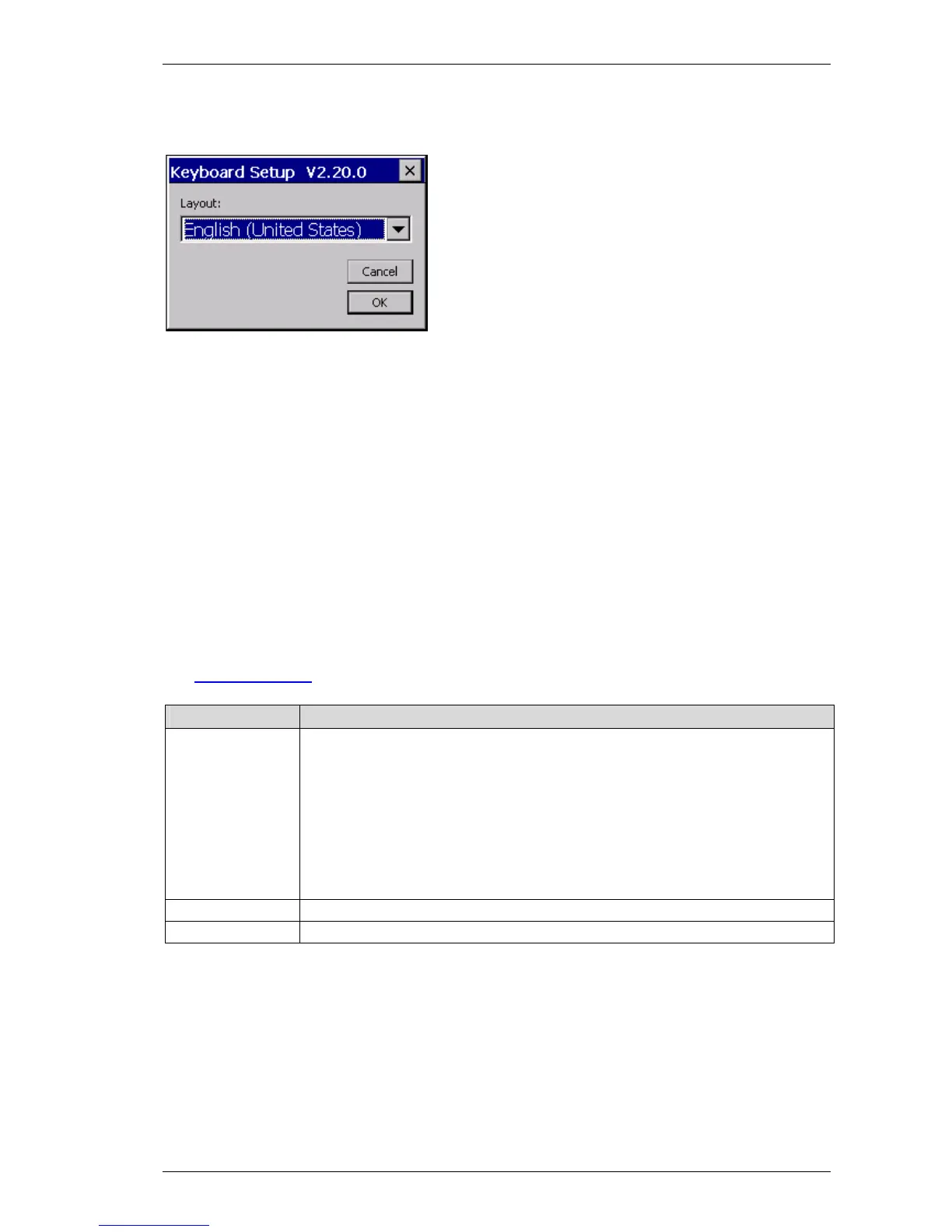
The keyboard setup – control panel makes the country setting for a USB keyboard. You can select the
desired keyboard layout in the dialog shown above. The selected keyboard layout is still retained after
a restart.
The following keyboards are supported:
English (United Kingdom)
English (United States)
French (France)
German (Germany)
German (Switzerland)
Italian (Italy)
Spanish (Spain)
4.12.1 C
OMMAND LINE PARAMETERS
The
command line call is described in chapter 4.1. The following parameters are supported:
Parameter Description
-l indication of the keyboard layout:
0409 English (United State)
0809 English (United Kingdom)
0407 German (Germany)
0807 German (Switzerland)
040C French (France)
0410 Italian (Italy)
040A Spanish (Spain)
-s Displays the active keyboard layout
-? or –h Display of the possible parameters



 To Next Page