System settings Windows CE
20 M000174-19
4 SYSTEM SETTINGS
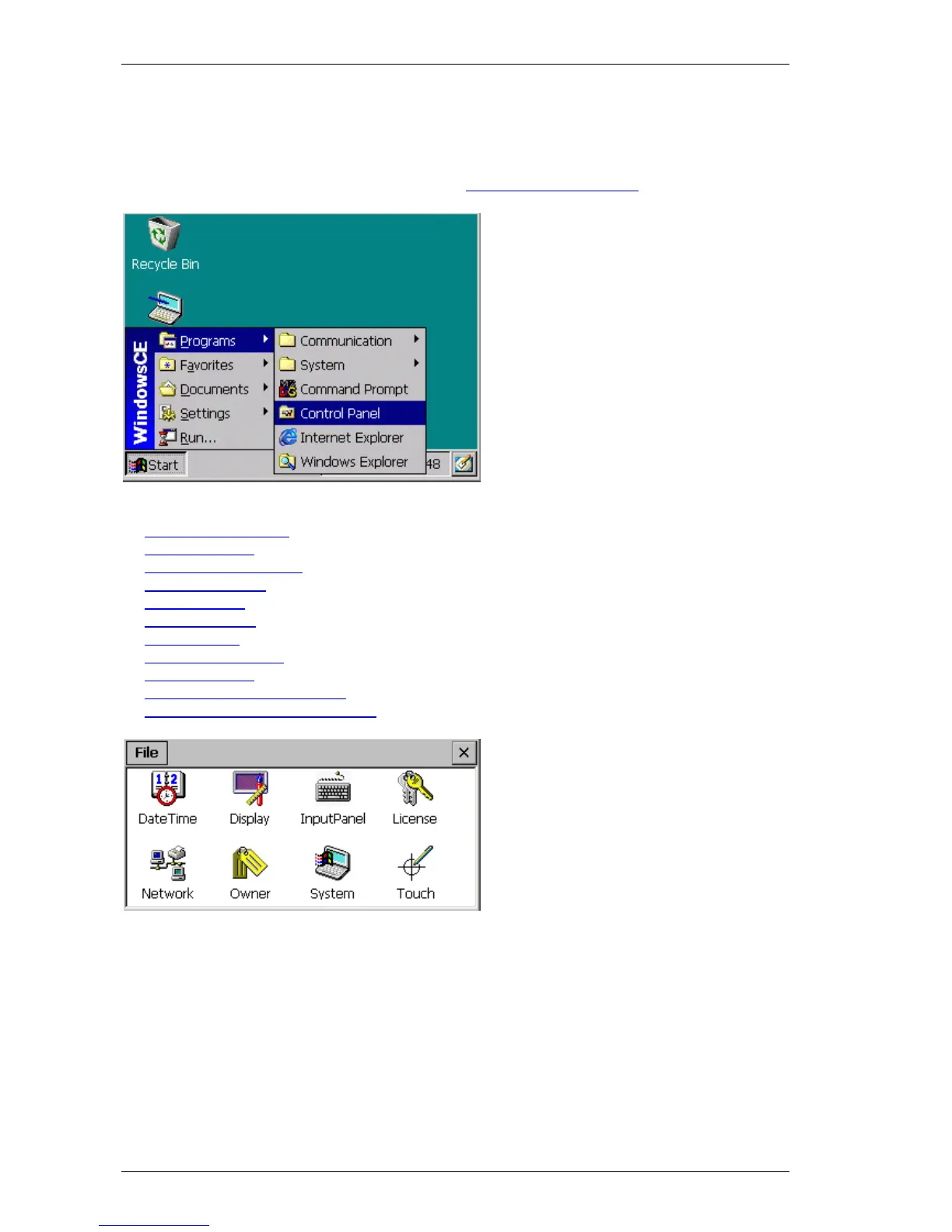
All adjustable system settings can be accessed under «Start» Î «Programs» Î «Control Panel». If
the application is started with the command line parameter –fullscreen, the full screen resolution is
used, i.e. the taskbar is not visible. See also chapter
Command line parameters.
The «Control Panel» contains the following programs:
Date Time (DateTime)
Display (Display)
Input Panel (InputPanel)
Network (Network)
Owner (Owner)
System (System)
Touch (Touch) -- only required for devices with resistive touch technology
Keyboard (Keyboard) -- only for WindowsCE 5.0
License (License)
BootDeviceSetup (BootDevice) -- only XV100
StorageManager (StorageManager) -- only XV100
The settings for date/time, display and touch are already factory set for optimum performance. The
network settings, however, must always be adapted to the network in place.



 To Next Page