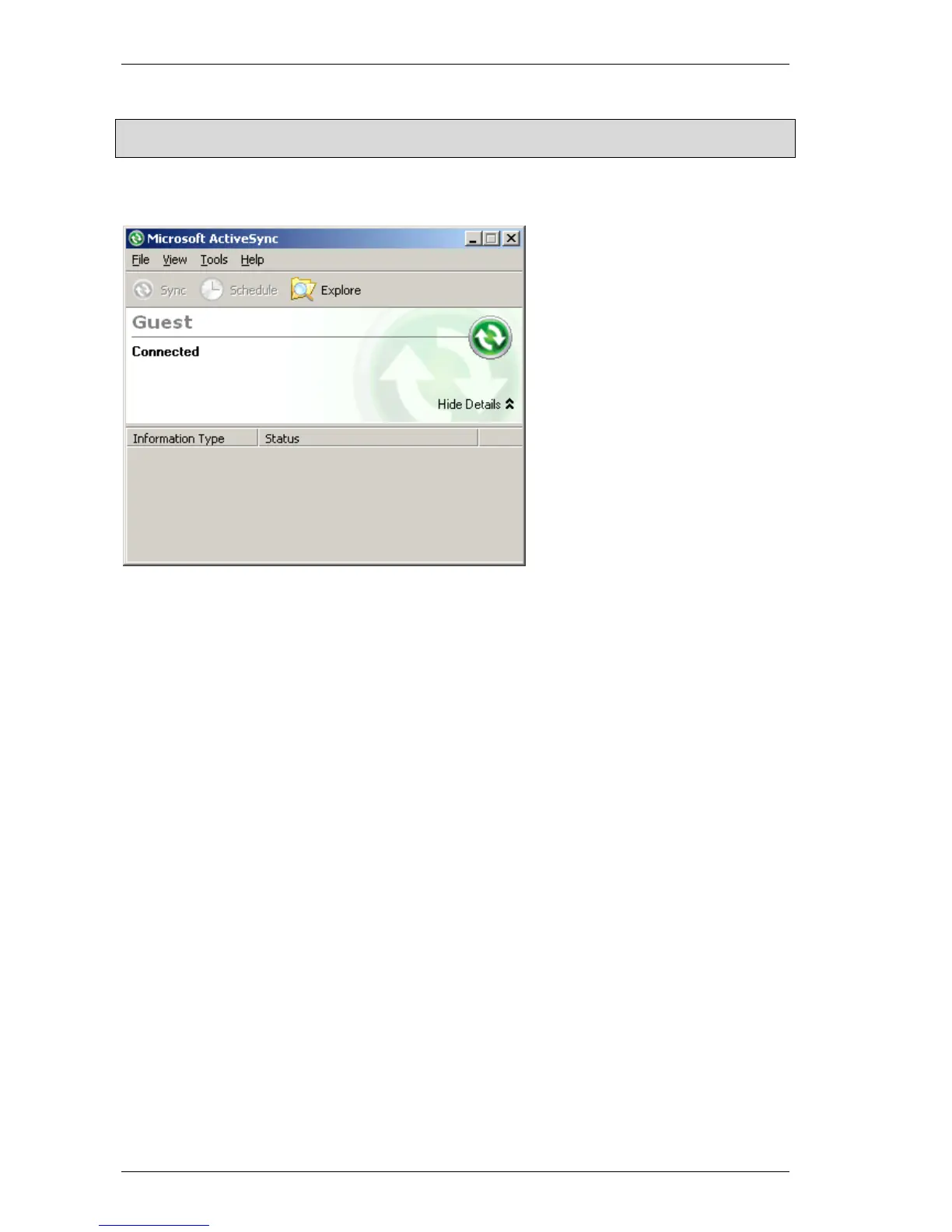
ActiveSync connection Windows CE
44 M000174-19
**Note:
The partnership prompt will not appear if the following setting is made in the PC's registry:
[HKEY_LOCAL_MACHINE\SOFTWARE\Microsoft\Windows CE Services]
"GuestOnly"=dword:00000001
Æ For example, the file system on the device can now be viewed using the «Browse» function.
6.3 PROCEDURE: MANUAL SERVER
The connection using «Manual Server» is designed for DEBUG tasks only. In order for the connection
establishment to be started, the IP address of the host PC and the port number must be set with the
parameter –a. The settings in the development environment must also be set accordingly on the PC.
Further information is provided in the documentation of the development environment.



 To Next Page