Setup via the foot brake
● Pressing the brake pedal briey four times will take you to the setup mode.
This is indicated by the ashing LED display on the footboard.
● While the LED display is blinking, tap the brake one to four times in succession
to activate the program (1 = Pedestrian, 2 = Eco, 3 = Sport, 4 = Active).
● The number of ashing LED lights indicates which driving program is set.
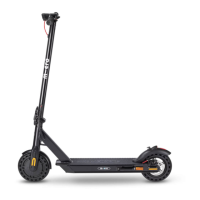
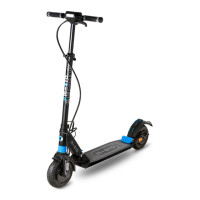
Image:
Setting the riding programs via sequential
tapping of the foot brake
30
Turning the light on and o
You can switch o the rear light of your electric scooter completely. Please take
the following steps:
● Pressing the brake pedal briey four times will take you to the setup mode.
This is indicated by the ashing LED display on the footboard.
● To turn o the rear light, press the brake for three seconds while the LED
display is blinking.
● Repeat the same steps if you wish to switch the rear light back on.



 To Next Page