Chapter 5: Troubleshooting
5-LV-1-4 8/3/11 LV1 User Manual 5-5
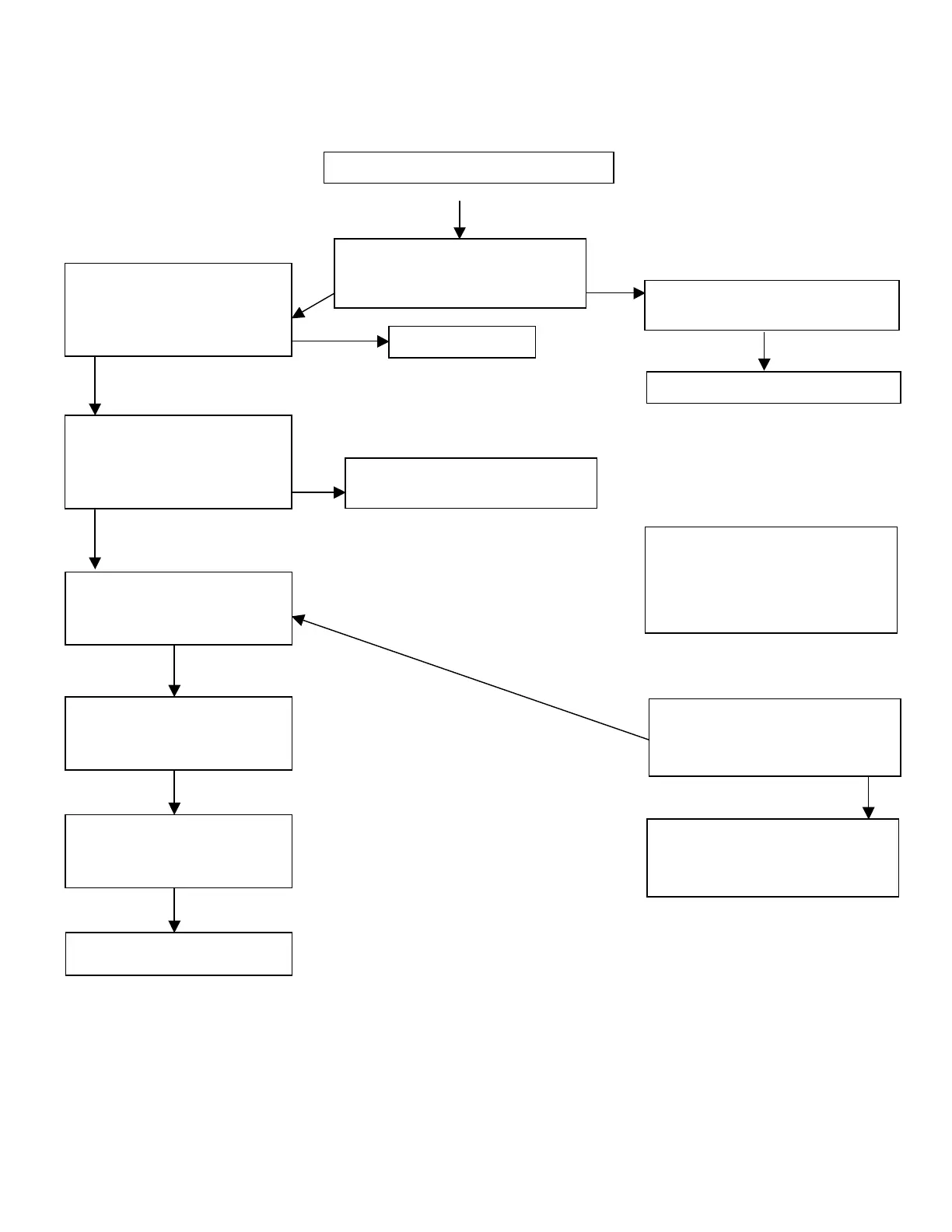
The system does not cycle
Is the motor running?
Y N
Refer to the Motor Problems
Table on the following page
Is there process pressure
buildup?
Y N
Turn Mode switch to OFF
position to relieve the
process pressure.
Y N
Accumulator pressure must be
96.5 bar (1,400 psi)
Turn the Process Pressure
Control Adjustment Valve
clockwise to increase the
process pressure
Is there process pressure?
Y N
Remove and clean or replace
the Process Pressure Control
Adjustment Valve cartridge
Reverse and back-flush the
interaction chamber
Check system pressure
switch. Call Microfluidics
Customer Service.



 To Next Page