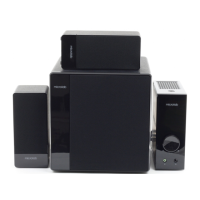
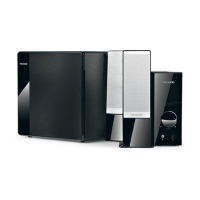
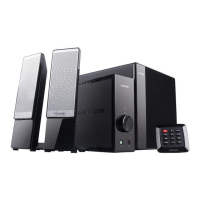
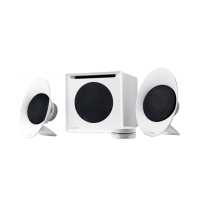
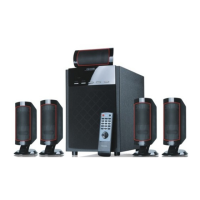
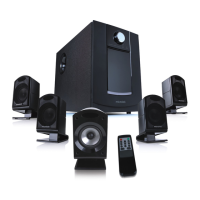
AMPLIFIER
Output power: 100 Watt RMS
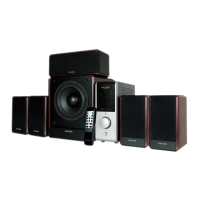
Power distribution: 14 Watt x 5 + 30 Watt
Harmonic distortion: < 0.3% 1 W 1 kHz
Frequency response: 30 Hz - 20 kHz
Signal/Noise ratio: > 70 dB
Separation: > 40 dB
SPEAKERS
Tweeter driver type: 2.5"
Tweeter rated power: 14 Watt
Bass driver type: 6.5"
Bass rated power: 30 Watt
Frequency range: 30 Hz - 20 kHz
INTERFACES
Output: RCA sockets
Input: RCA sockets
POWER
Power supply: AC 220 V - 240 V ~ 50 Hz, 380 mA, or AC 100 V - 120 V ~
60 Hz, 720 A
Fuse: T800mAL250V
Specifications
Operations (continue)
65
Frequently Asked Questions (FAQ)
If the problem still exists, please contact the distributor or seek professional advice.
·
·
·Check if the volume at right level
Check if the audio source is working well
Check if the audio and speaker cables well connected
Static sound heard when
volume knob is turned
What are the products
supported?
Where to place this speaker
·Check if the source file is not corrupted, play a different
song and test.
· heck if the satellite cable well connected, and ensure
source connection is correctly inserted
C
One or more satellite no sound
No Sound
Sound is distorted
·Turn off the playback source first, then turn the speaker
volume knob several times. Playback again and monitor.
The static noise is due to dust, so simply turning the
volume will remove it easily.
·It is magnetically shielded so can be placed near LCD TV
Monitor without any distortion
·Any playback devices such as PC, notebook, CD/DVD
player, Media Players with 3.5mm stereo plug.
Solutions
- The end -
All rights reserved
© 2010 Microlab Electronics Co., Ltd
All specifications and information are subject to changes without further notice
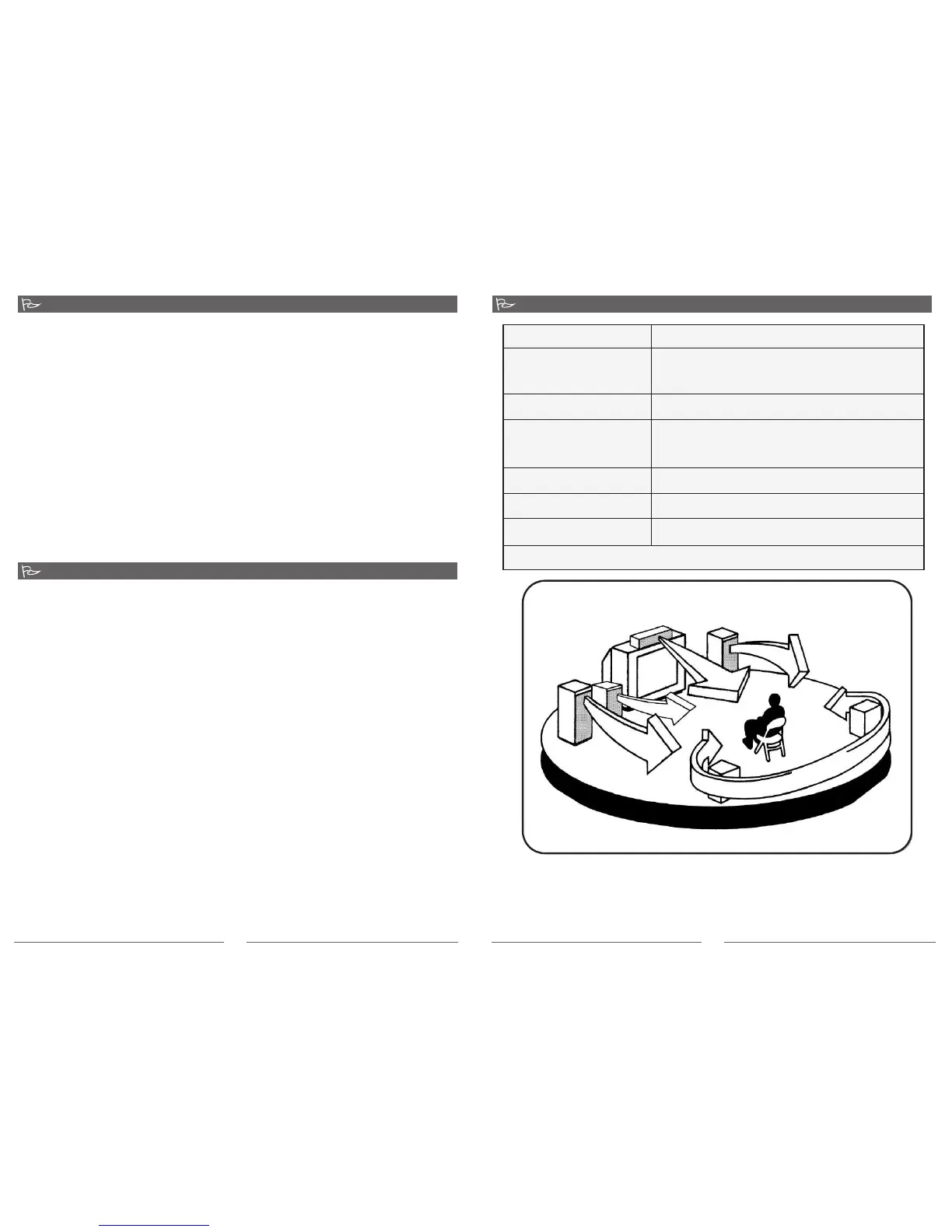
Surround speakers room setup
Recommended listening positioning
6. For sound effects option; the remote control features subwoofer bass level, and
surround rear speakers level controls.
7. Left and right balance controls on the remote control allows you to fine adjust the
optimum listening position
8. The Mute button on the remote control lets you interrupt the playback output on the
entire speaker system.
9. The Standby button lets you put the speaker system on hold in between song playbacks.
This is an energy savings feature that lets you save electricity power.
Note: it is advisable not to turn the volume too loud or to its extreme volume limit to avoid
damage to the speaker driver material. Always adjust in slow increment. Do not block the
ventilation of the amplifier during use.
80-FC360 51-97-0001-01 2010-10-11


 To Previous Page
 Loading...