FlowPrep 060 Sample Preparation
Nov 2010 3-11
Removing Adapters
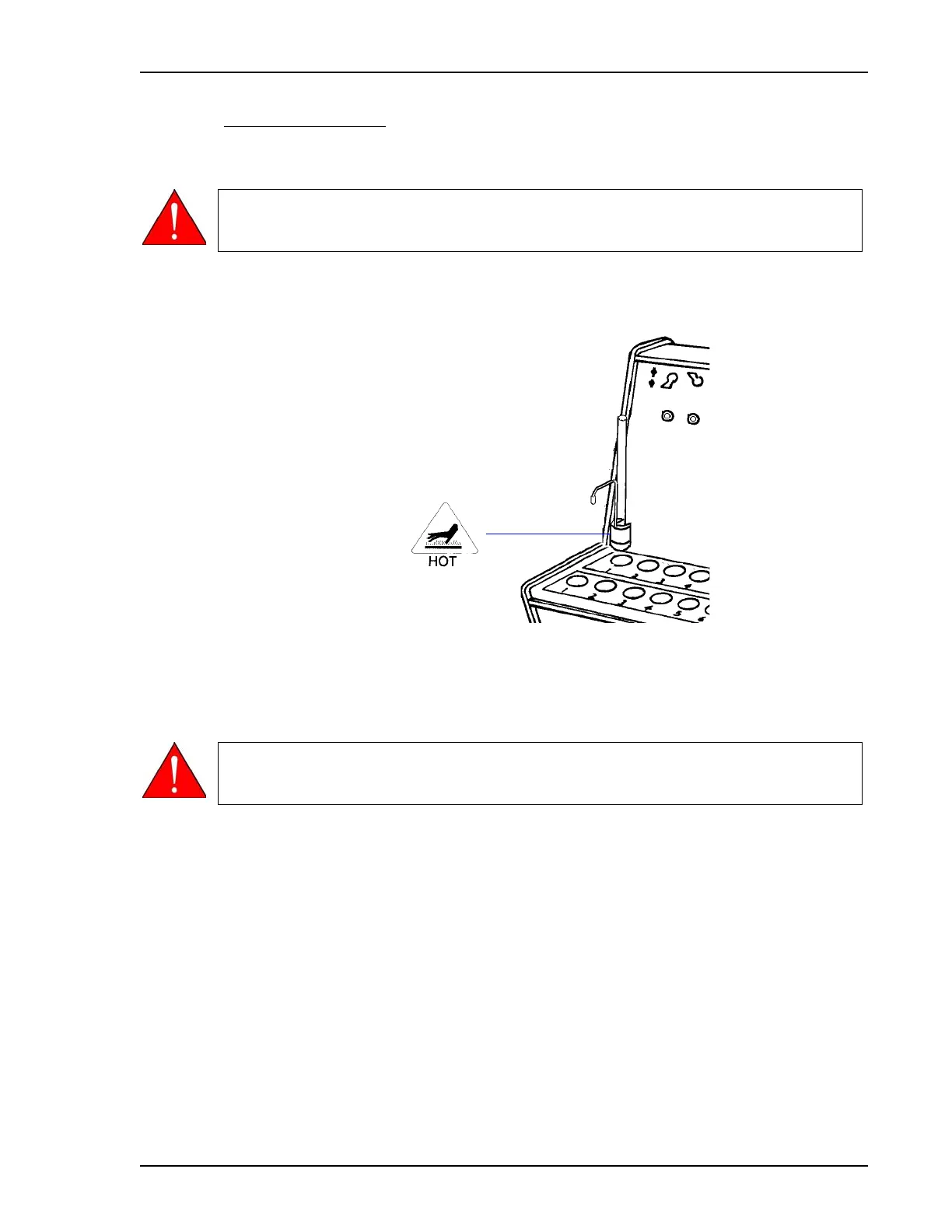
Use station when moving sample tubes and heating station adapters to the cooling station.
1. Holding both the stem of the sample tube and the adapter handle, remove the adapter and
sample tube.
2. Place the adapter and sample tube in a cooling station.
After the sample tube has been installed on the analyzer, you may place the adapter back
into the heating station for storage.
Sample tubes and heating station adapters may be very hot. Wear the proper gloves
and hold the sample tube by the upper part of its stem. Hold the isothermal type of
adapter by its handle. Failure to observe these precautions may result in severe burns.
Do not place adapters near any combustible material or touch them with your fingers.
Do not place a hot adapter on a unprotected surface such as a countertop. The
adapter may burn the surface.


 To Next Page