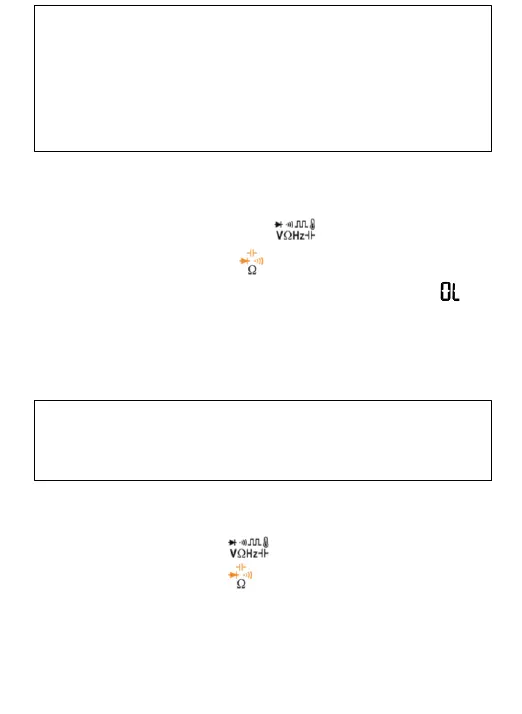
Test Diodes and Continuity
1. Connect the black test lead to the COM Terminal and
the red lead to the Terminal;
2. Turn the rotary to , press “SELECT” to the
continuity Mode;
3. To test continuity, touch the probes to the desired
test points of the circuit. The built-in beeper will
beep when there is a short circuit;
10
Measure Resistance
1. Connect the black test lead to the COM Terminal
and the test lead to the Terminal;
2. Turn the rotary to , press “SELECT” to the
Resistance Mode. The screen will show “ ”;
3. Touch the probes to the desired test points of
the circuit to measure the resistance;
4. Read the measured resistance on the display.
*Do not measure current that exceeds the extremes
as indicated in the Specifications.
*Use the AmA Terminal when you are measuring an
unknown current. Then switch to the μA Terminal
if necessary.
*Do not input voltage at this setting.
*Disconnect circuit power and discharge all
capacitors before you test resistance.
*Do not input voltage at this setting.



 To Next Page