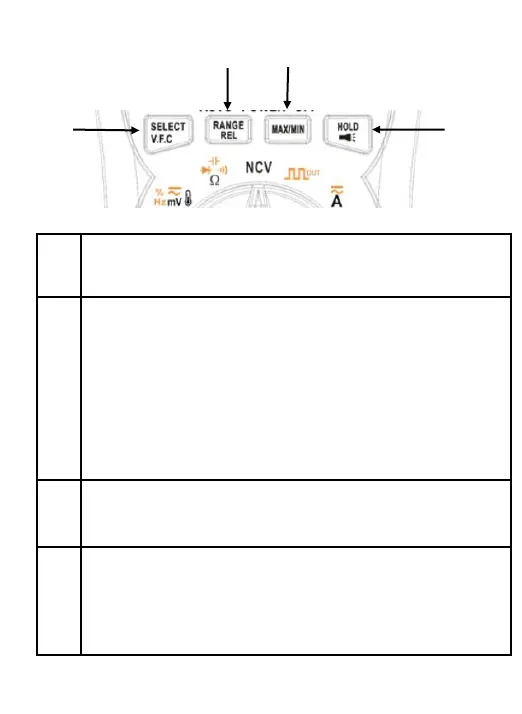
Short press to switch among functions.
Long press to enter in V.F.C function.
Short press to change range.
Push
for more than 2 seconds to enter
mode. The product will store the
as a reference for subsequent readings
display is zeroed, and the stored reading
from all subsequent readings. Long
again to exit the relative mode.
Press this button to switch MAX/MIN test. Long
press 2 second to quit MAX/MIN mode.
once to hold the current reading on
; push again to continue normal operation.
Long press beyond 2 seconds to turn on
flashlight ; long press again to turn off flashlight.



 To Next Page