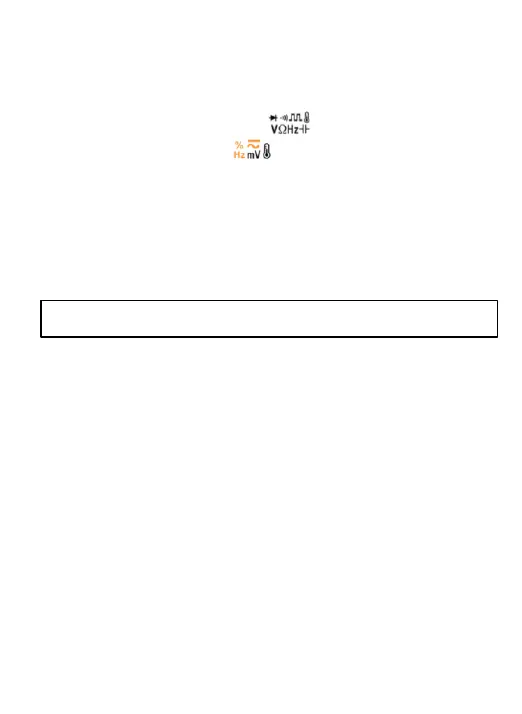
Measure Temperature
1. Connect the black test lead to the COM Terminal
and the red lead to the Terminal;
2. Turn the rotary to , press “SELECT” to
the temperature Mode; Now the main display
will show Celsius and the vice display will
show Fahrenheit;
3. Touch the probes to the desired test points;
4. Read the measured temperature on the display.
13
*Do not input voltage at this setting.
Test NCV
1. Turn the rotary to NCV position, press “SELECT”
to the temperature Mode;
2. Hold the product and move it around, the built-in
beeper will beep when the inner sensor detects
AC voltage nearby. The stronger the voltage
is, the quicker the beeper beeps.



 To Next Page