- 27 -
27
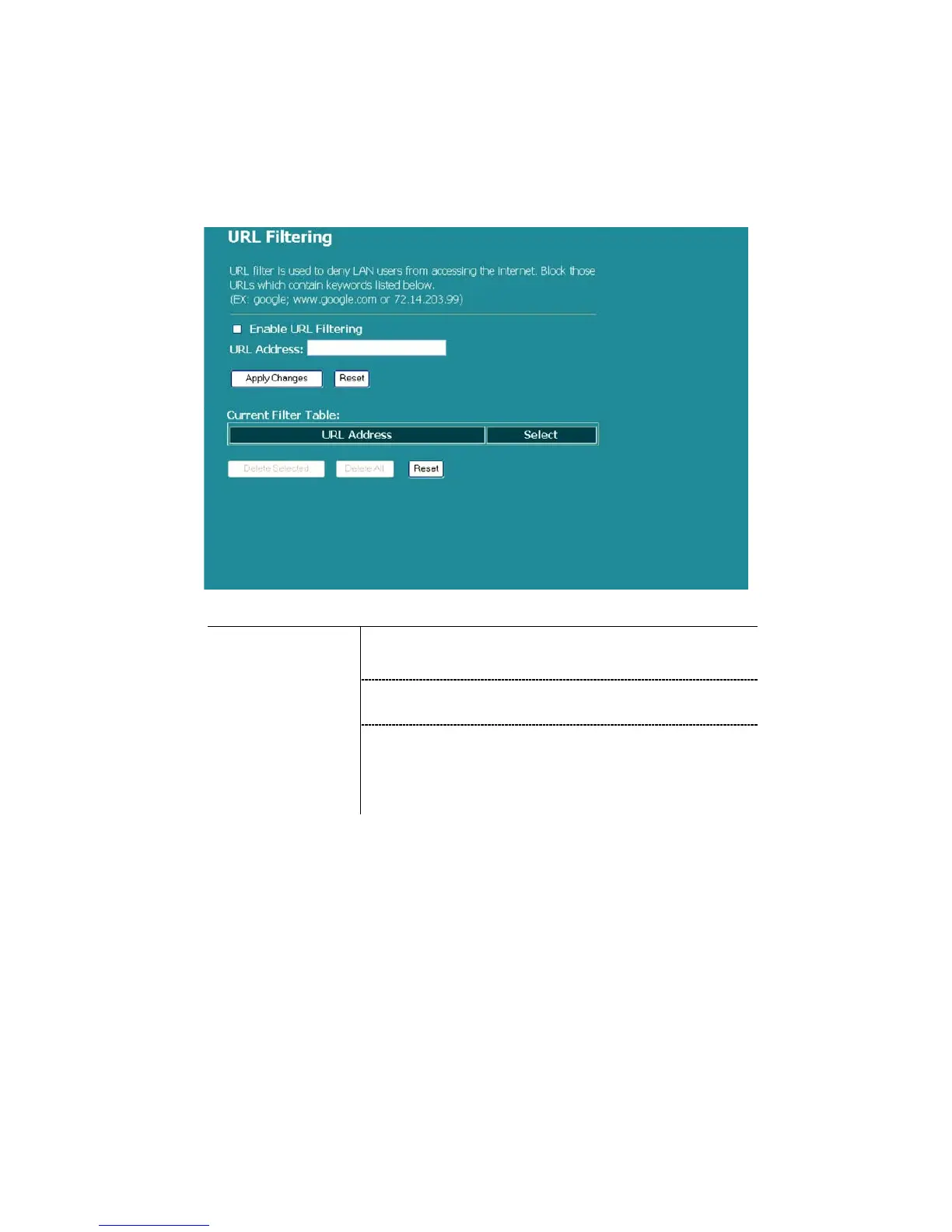
URL Filtering
The URL Filter allows users to prevent certain URL from being accessed by users
in LAN. This filter will block those URLs that contain certain keywords.
Configuration
1. Click the check box of “Enable URL Filtering” to
enable the function.
2. Enter the URL to be banned.
STEPS
3. To delete the URL on the table, click the check box
in the select item, and click the “Delete Selected”.
If you want to delete all URLs on the table, click
“Delete All” to remove all of them.
Click <Apply Change> at the bottom of the screen to save the above configurations.



 To Next Page