- 31 -
DDNS
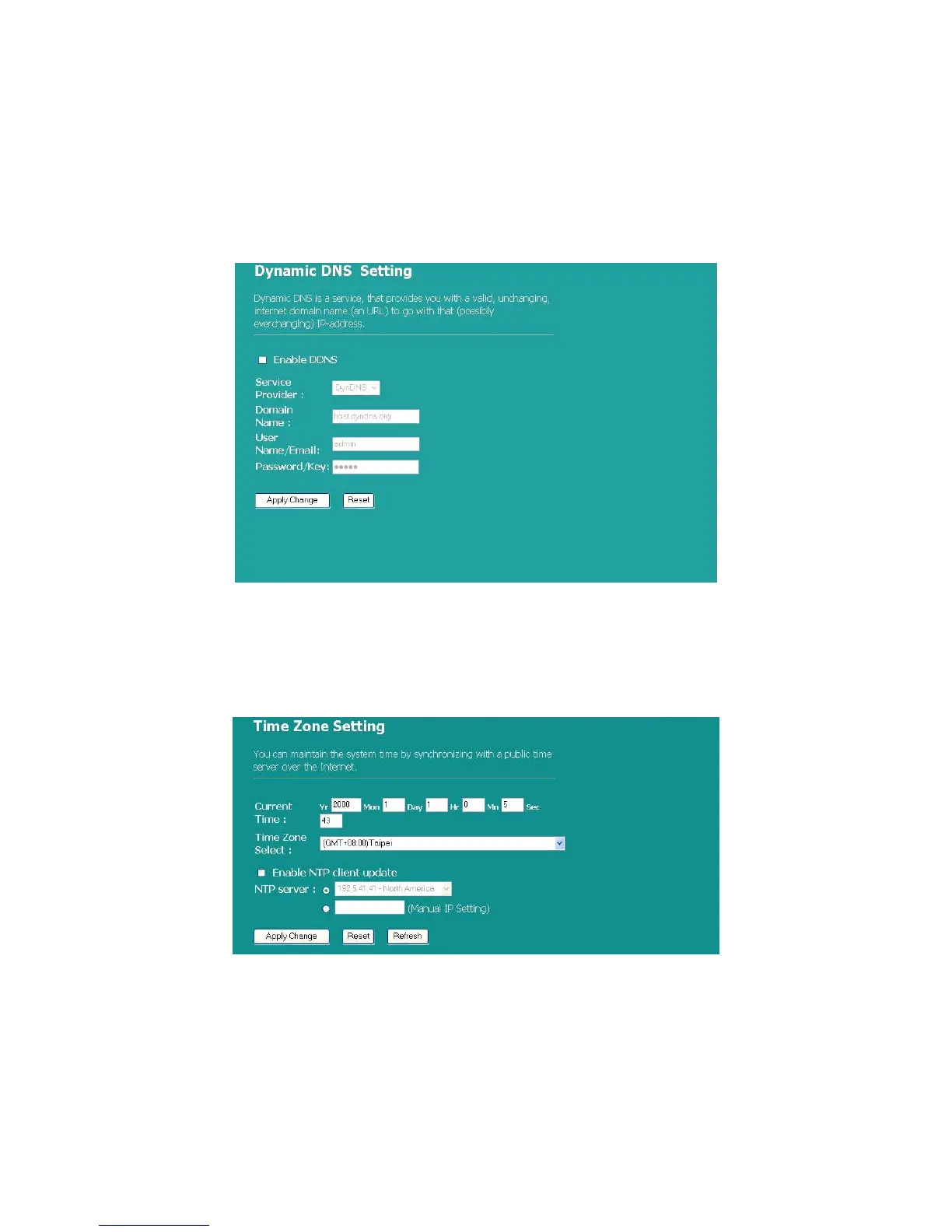
This page allows users to connect to DDNS. To enable DDNS, mark the “Enable
DDNS” checkbox. Select the service provider from the drop list. Fill in domain
name, username, and password. Click the “Apply Change” button after
configuration.
Time Zone Setting
This page allows users to configure the time setting of the router. To specify
manually, fill in the blanks in “Current Time” and click the “Apply Change” button.
To synchronize time from a timeserver, please mark the “Enable NTP client
update” checkbox, select a NTP server from the drop list or manually enter a NTP
server. Click the “Apply Change” button after your configuration
System Log
This System Log page shows the information of the current activities on the router.
To enable system log function:
1. Mark the “Enable Log” checkbox.



 To Next Page