- 6 -
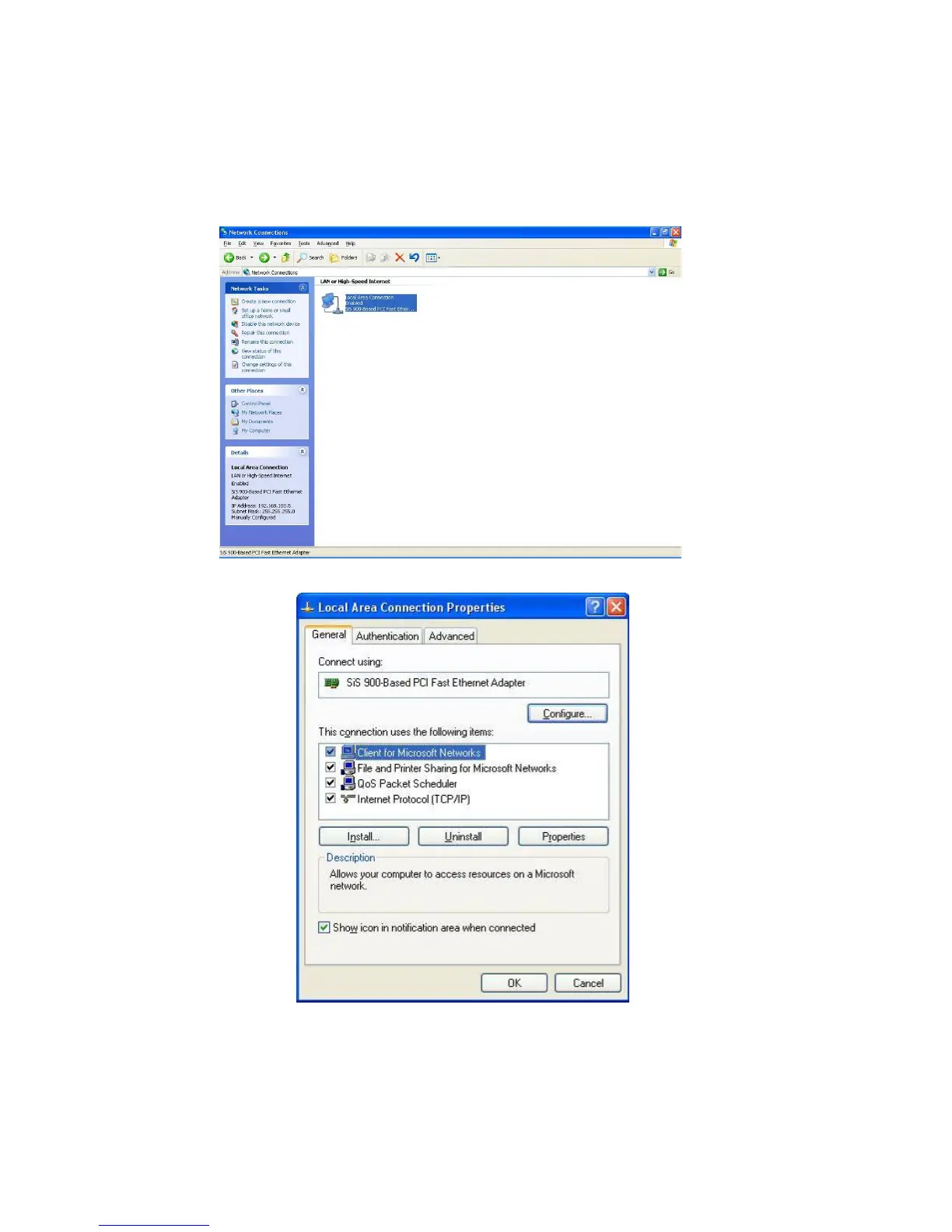
If you are in Start menu view, click StartÆControl PanelÆ Network
Connections.
2. Double click “Local Area Connection”
3. Choose Internet Protocol (TCP/IP) and click Properties.
4. You may choose “Obtain an IP address automatically” (recommend) to get IP
address automatically or choose “Use the following IP address” to specify IP
addresses manually. Please click the OK button after your configuration.



 To Next Page