Operator Maintenance 117
_______________________________________________________________________________________________
_______________________________________________________________________________________________
MICROPLEX Operator’s Manual SOLID F40 Edition 1.1
7.7. Photoreceptor Drum Exchange
!
After having printed a maximum of 200,000 pages A4 landscape
the photoreceptor drum has to be exchanged.
1. Turn off the printer and pull the power plug before start working.
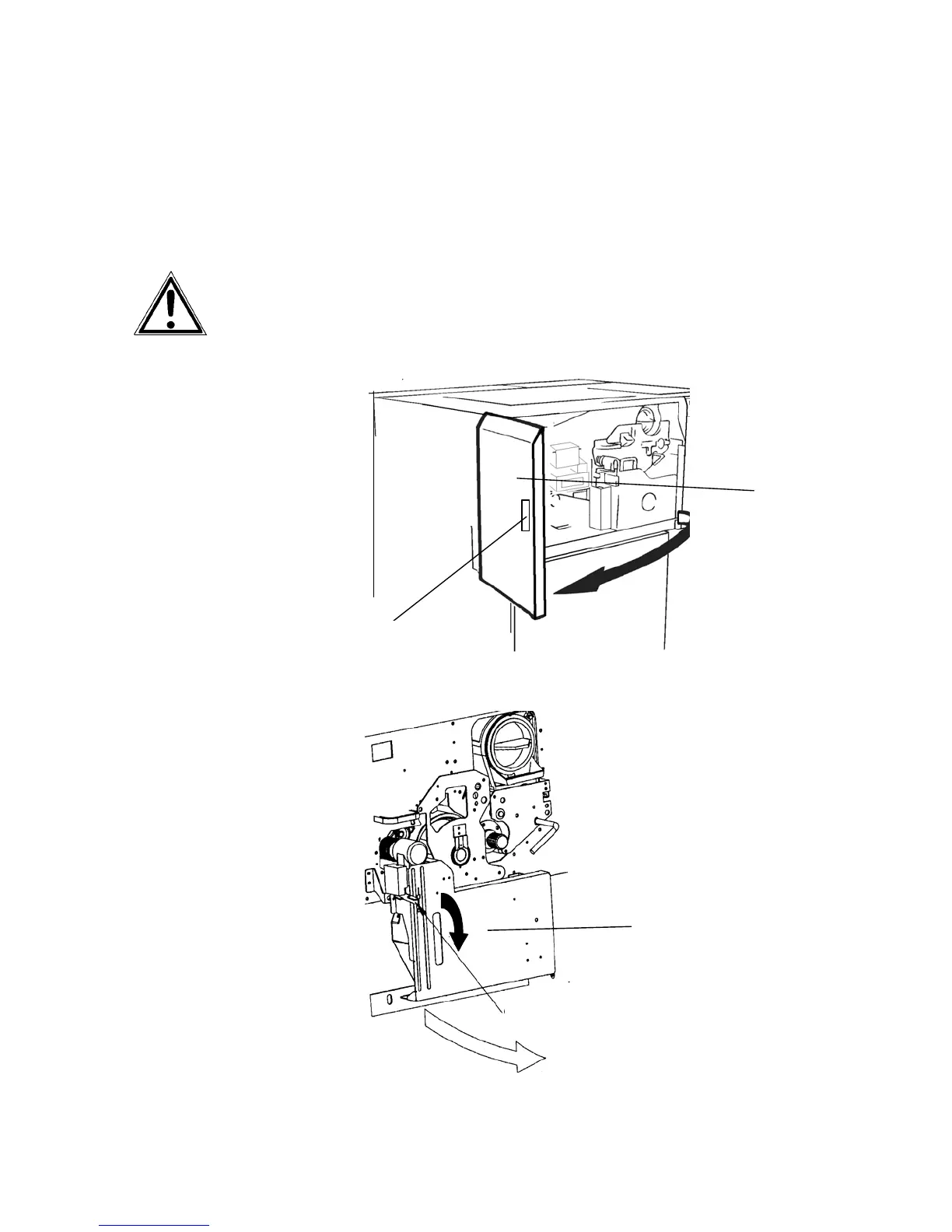
2. Open the front cover of the printer.
Handhold
Fron
cover
3. Open the waste toner recovery unit.
Waste toner
recovery unit
Open lever (black)



 To Next Page