Operator Maintenance 119
_______________________________________________________________________________________________
_______________________________________________________________________________________________
MICROPLEX Operator’s Manual SOLID F40 Edition 1.1
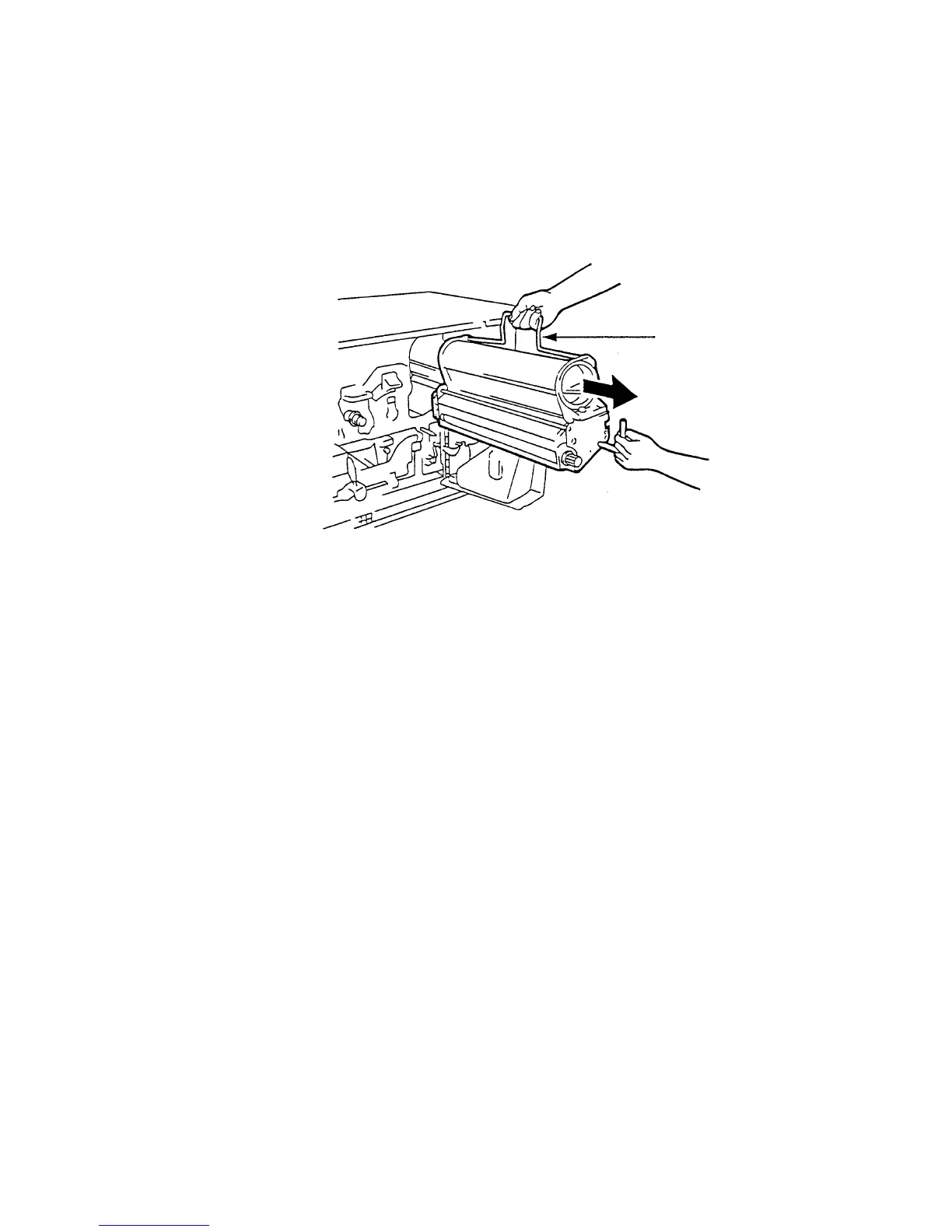
6. Reach for the handle with your other hand and pull the unit
out of the printer. Place the unit on a covered, level worktop.
Handle
7. If there is any toner spilled please remove it with the vacuum
cleaner.



 To Next Page