Operator Maintenance 97
_______________________________________________________________________________________________
_______________________________________________________________________________________________
MICROPLEX Operator’s Manual SOLID F40 Edition 1.1
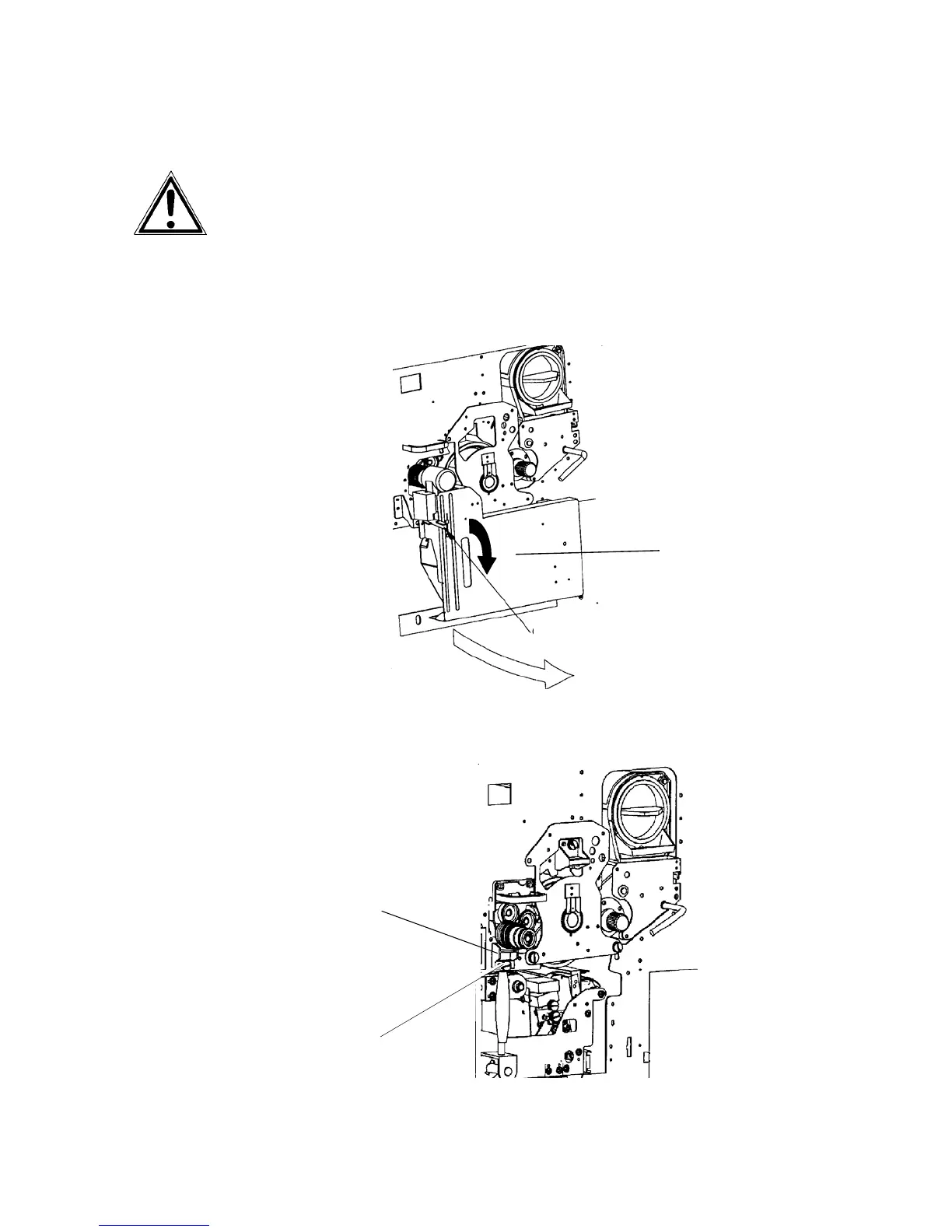
7.1.2. Pre-Charger Cleaning
Turn off the printer and pull the power plug before start working at
the chargers.
1. Open the front cover of the printer.
2. Press down the open lever to open the waste toner recovery unit.
Waste toner
recovery unit
Open lever (black)
3. Turn to loosen the green knob screw at the pre-charger (C2)
and pull the charger out towards you.
Pr
-charger (C2)
Green
knob screw



 To Next Page