1
2
3
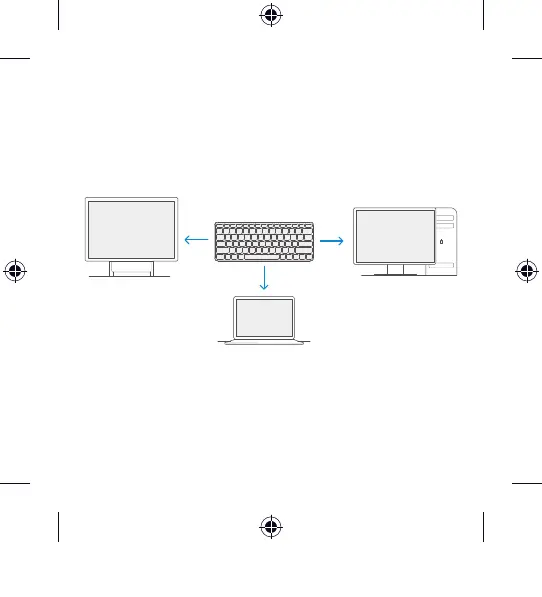
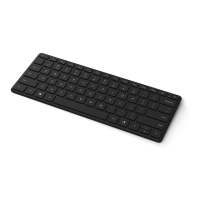
Pair up to 3 devices
The lights on the pair key indicate which device is active. Press
the pair key quickly to select a different device. Repeat the
pairing steps from the previous page for each device.
Stay healthy
Important safety information for your keyboard, including
information about musculoskeletal disorders (MSDs), is
available at aka.ms/KeyboardSafety.
PC Accessories Atmes, 4 Language QSG Template_BKT.indd 6 19.06.20 01:14



 To Next Page