Special keys and customizations
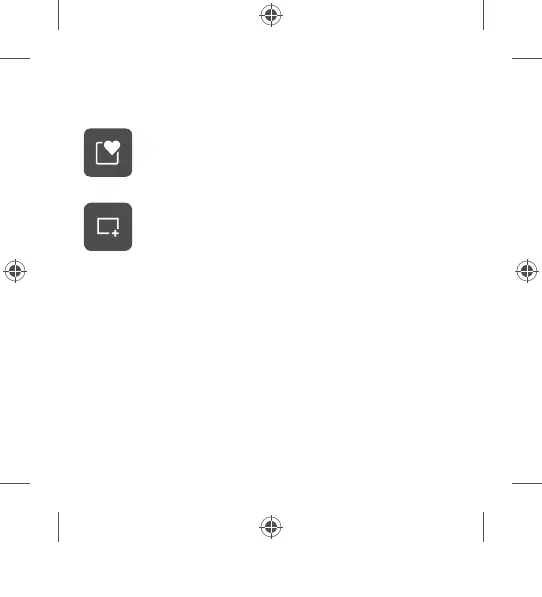
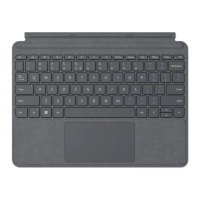
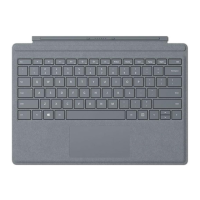
The Expressive Input key can be used to quickly
insert emojis, symbols, and more.
1
The Snipping key allows you to quickly take a
rectangular, freeform, or full-screen clipping that
can easily be shared.
1
To customize hot keys, install the Microsoft Mouse and
Keyboard Center
2
at aka.ms/MouseAndKeyboard.
1
Only compatible with Windows 10 with the latest updates.
2
Microsoft Mouse and Keyboard Center is not compatible with
Windows 10 in S mode.
PC Accessories Atmes, 4 Language QSG Template_BKT.indd 7 19.06.20 01:14



 To Next Page