Need help?
Do you have a question about the Microsoft Communicator and is the answer not in the manual?
Warning about potential hearing loss due to high volume default settings.
Information regarding document usage rights and Microsoft's intellectual property.
Enables voice communication with other players in online games.
Allows voice control of in-game actions.
Specifies that the device works exclusively with Xbox and requires voice-enabled games.
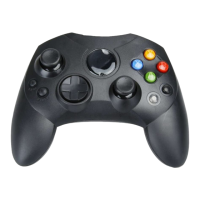
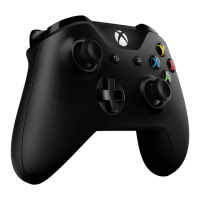
Insert the module into the Xbox Controller expansion slot.
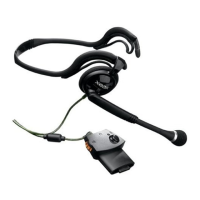
Plug the headset into the side of the Communicator module.
Correct placement is critical for clear voice transmission.
Use the mute button and volume control for optimal audio.
Check module insertion and controller connection.
Ensure the game supports voice command capability.
Verify the game supports online play and look for the voice logo.
Confirm headset plug connection, module light, and game support.
States compliance with VCCI and FCC standards, and lists contact information.
Details FCC Part 15 compliance, RF energy, and interference mitigation measures.
 General
| Brand | Microsoft |
|---|---|
| Model | Communicator |
| Category | Video Game Controller |
| Language | English |

 To Next Page