Need help?
Do you have a question about the Microsoft Xbox Wireless Controller and is the answer not in the manual?
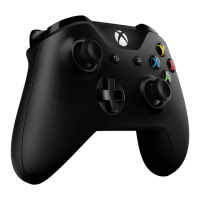
This document provides troubleshooting information for the Microsoft Xbox One Wireless Controller, addressing common issues such as connectivity problems, power failures, sticky buttons, malfunctioning thumbsticks, and vibration issues.
The Xbox One Wireless Controller is designed to provide an interactive gaming experience with the Xbox One console. It allows users to navigate menus, control in-game actions, and receive haptic feedback through vibration. The controller connects wirelessly to the console, offering freedom of movement during gameplay.
 General
| Brand | Microsoft |
|---|---|
| Model | Xbox Wireless Controller |
| Category | Video Game Controller |
| Language | English |


 To Next Page