Low Batteries
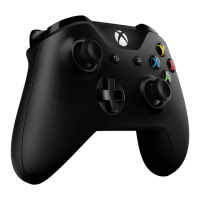
If your batteries are low, the controller may not vibrate in an effort to save battery life. Replace
the batteries or charge your controller.
Parts: AA Batteries for Xbox One, Xbox One Controller Charging Cable
Tools required: None
Vibration May Not Be Supported By The Game
Try using another controller on the game that you are playing. If the controller is still not
vibrating, the game most likely does not support this option.
Vibration Motor is Defective
If you have tried everything above and your controller still refuses to vibrate, there may be
something wrong with the vibration motor. Get ready to grab a screw driver, you're going to
need it for the Trigger Rumble Motor Replacement Guide. This guide requires soldering.
Part: Xbox One controller trigger vibration motor
Tools required: T6 Torx, TR8 Torx, Spudger, soldering station tweezers (recommended)



 To Previous Page