Connecting Bluetooth Devices
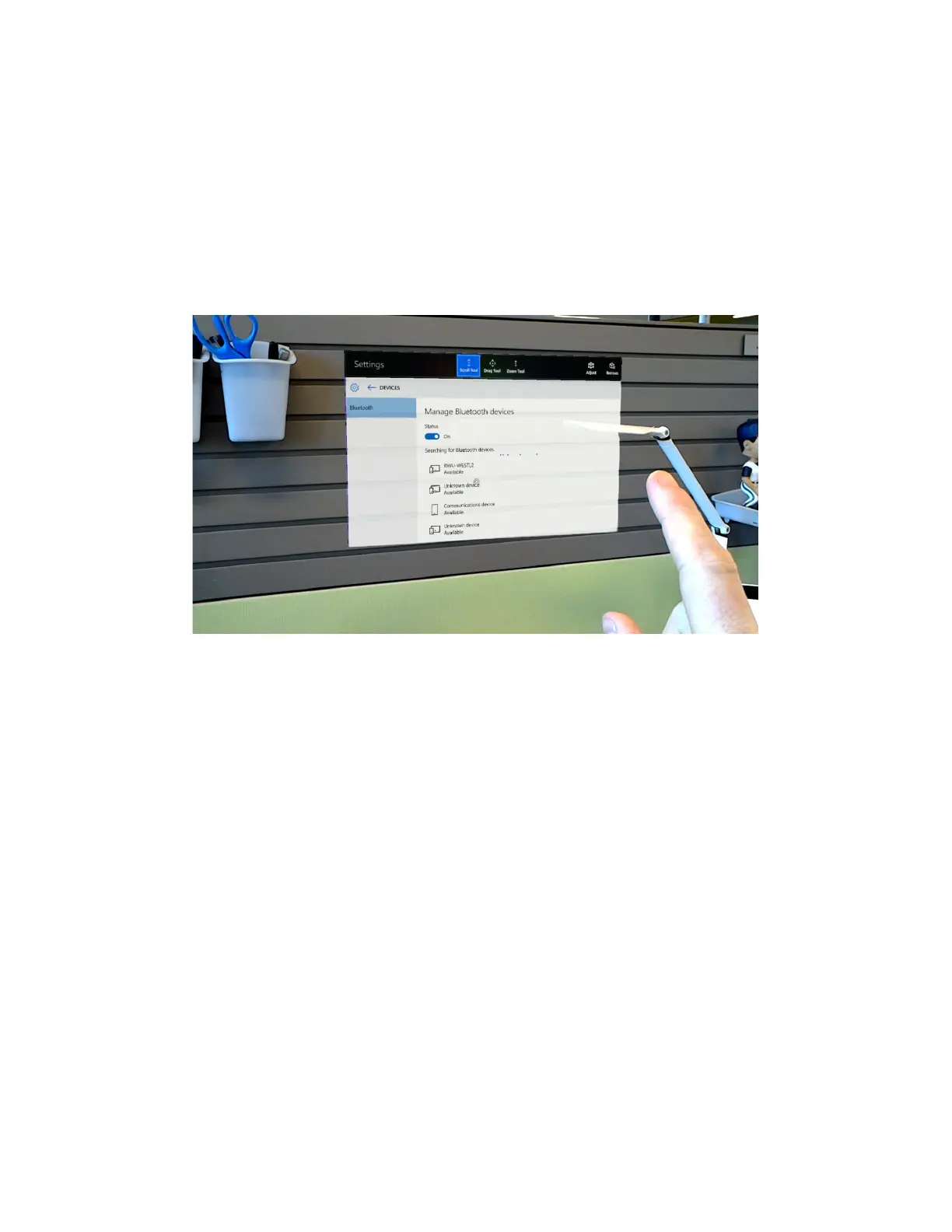
It’s oftentimes useful to connect peripherals to HoloLens, such as Bluetooth keyboards. To do
this, first launch and pin the ‘Settings’ application. From here, select the ‘Devices’ option. This
will launch the ‘Manage Bluetooth devices’ menu where you can scroll (pinch and drag) to find
the device you want to connect to. Once you connect, HoloLens may ask you to enter a PIN on
the connected device.


 To Next Page