10
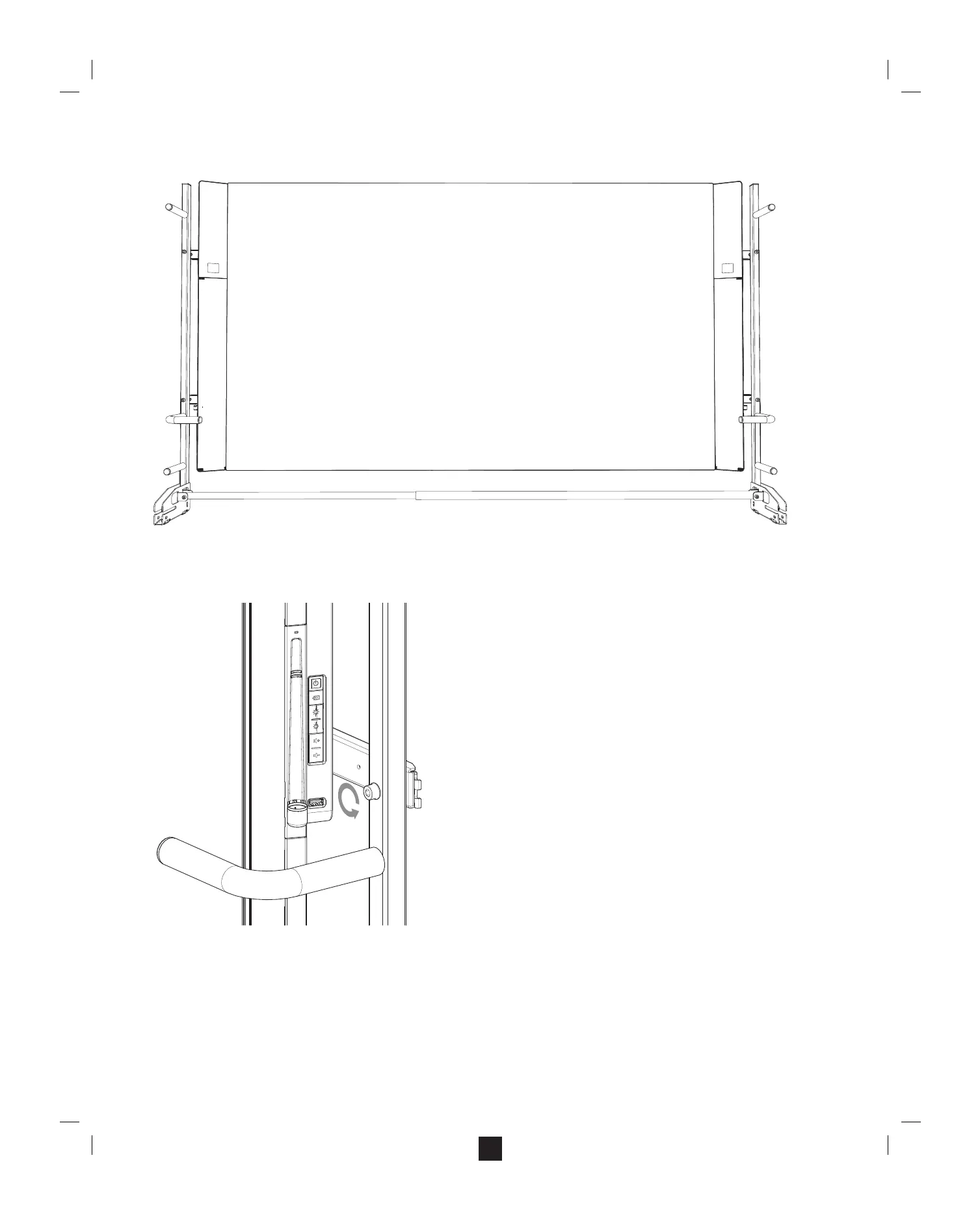
Step 5: Remove the lifting handles (Surface Hub 84” only)
Note: Surface Hub 84” is shipped with the lifting handles attached. Once the Surface Hub is mounted, remove the handles and keep them in case you need to take the Surface Hub from its mounting location.
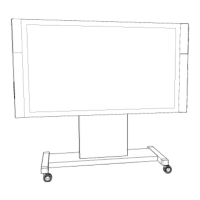
A. Remove the screws from the lifting handle mounting bars.
a. Using a hex key, unscrew the screw that attaches the handle on the right side.
b. Have someone secure the handles on the right side before working on the left handle.
Note: This step prevents dropping the right handle when removing the left handle.
c. On the left handle, unscrew the screw that attaches the handle on the left side.
d. Remove the handles and set them aside for storage.


 To Next Page