Surface Pro 4
© 2016 Microsoft Page 12
Task view and virtual desktops
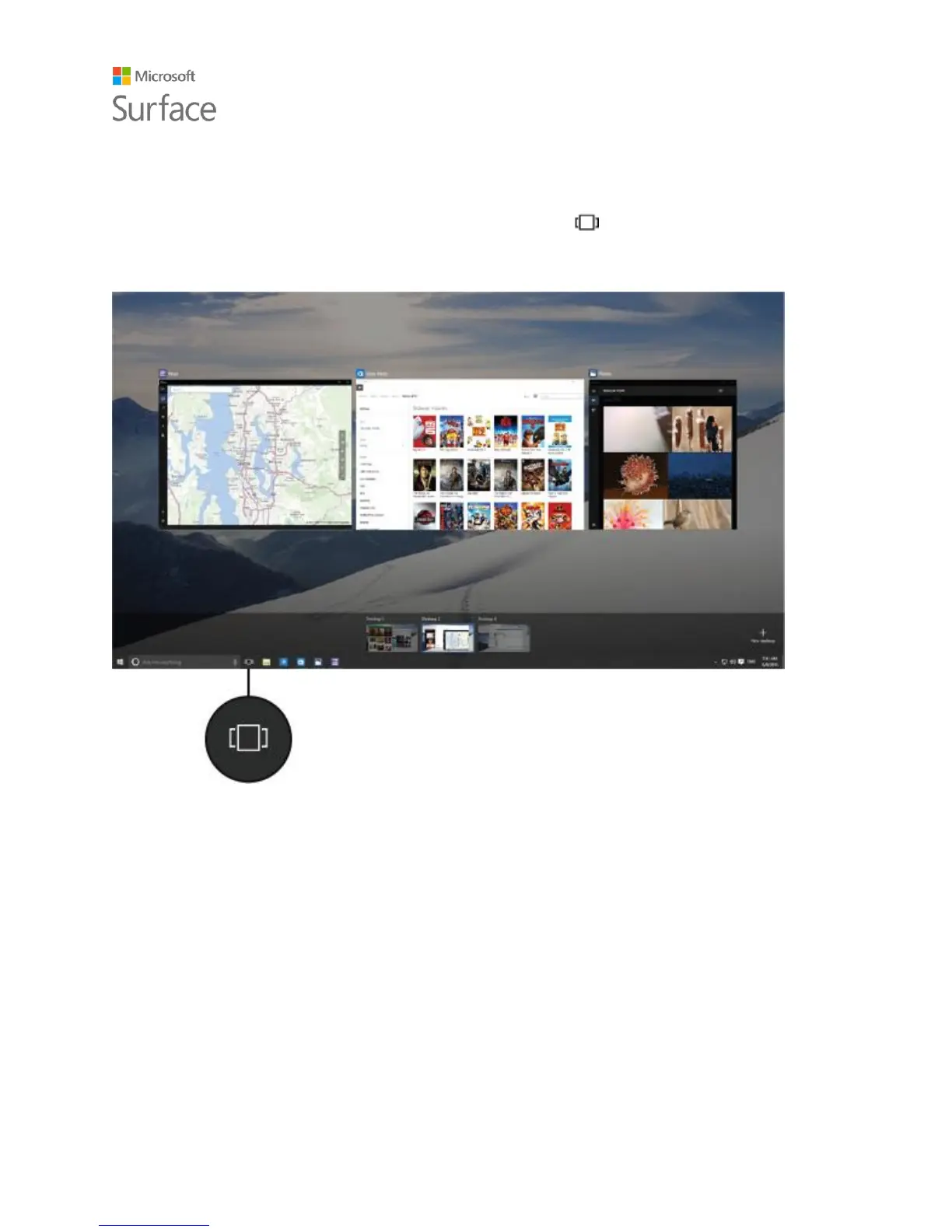
Swipe in from the left edge of the screen or select Task view from the taskbar to see all your
open apps. Select an app to focus on or close an app by clicking the X in the upper-right corner of
the app.
While you're in Task view, you can create a new virtual desktop by selecting New desktop in the
lower-right corner. Each virtual desktop can have its own set of open apps. To switch between
desktops, open Task view and select a desktop.
For more info, see Group apps into desktops on Windows.com.











 To Next Page