Surface Pro 4
© 2016 Microsoft Page 13
Settings
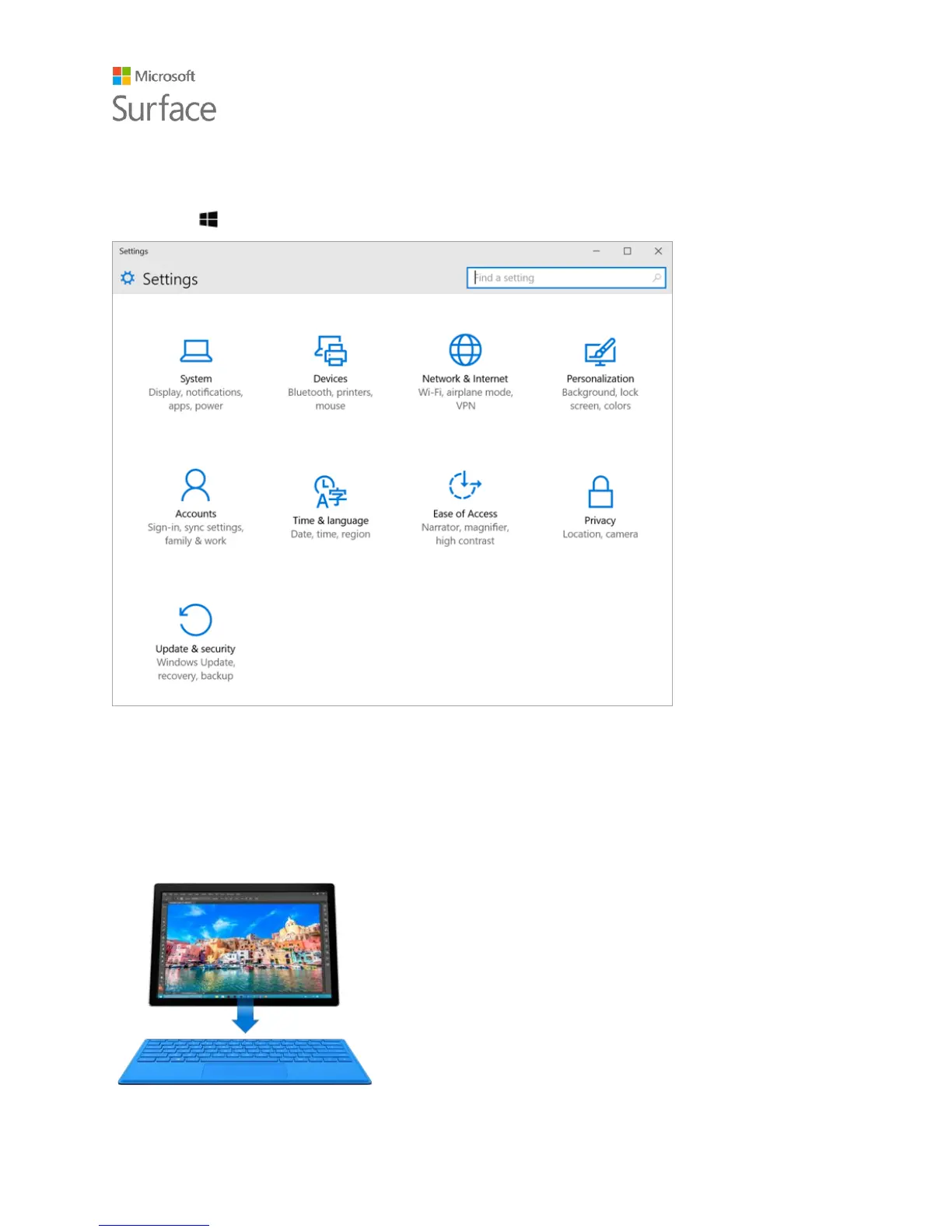
Go to Start , and select Settings for access to all your settings.
Type Cover for Surface Pro 4 keyboard
and touchpad
The Type Cover for Surface Pro 4 clicks into place, giving you a
traditional keyboard, gesture-enabled touchpad, and
protective cover all in one slim package.
When you close the Cover, your Surface Pro 4 goes to sleep.
Fold the Cover back to use your Surface as a tablet. While the
Cover is folded back, your Surface won’t detect key presses.
For more info about Type Covers, see Type Cover on
Surface.com.










 To Next Page