148 Part III: Securing Windows Vista
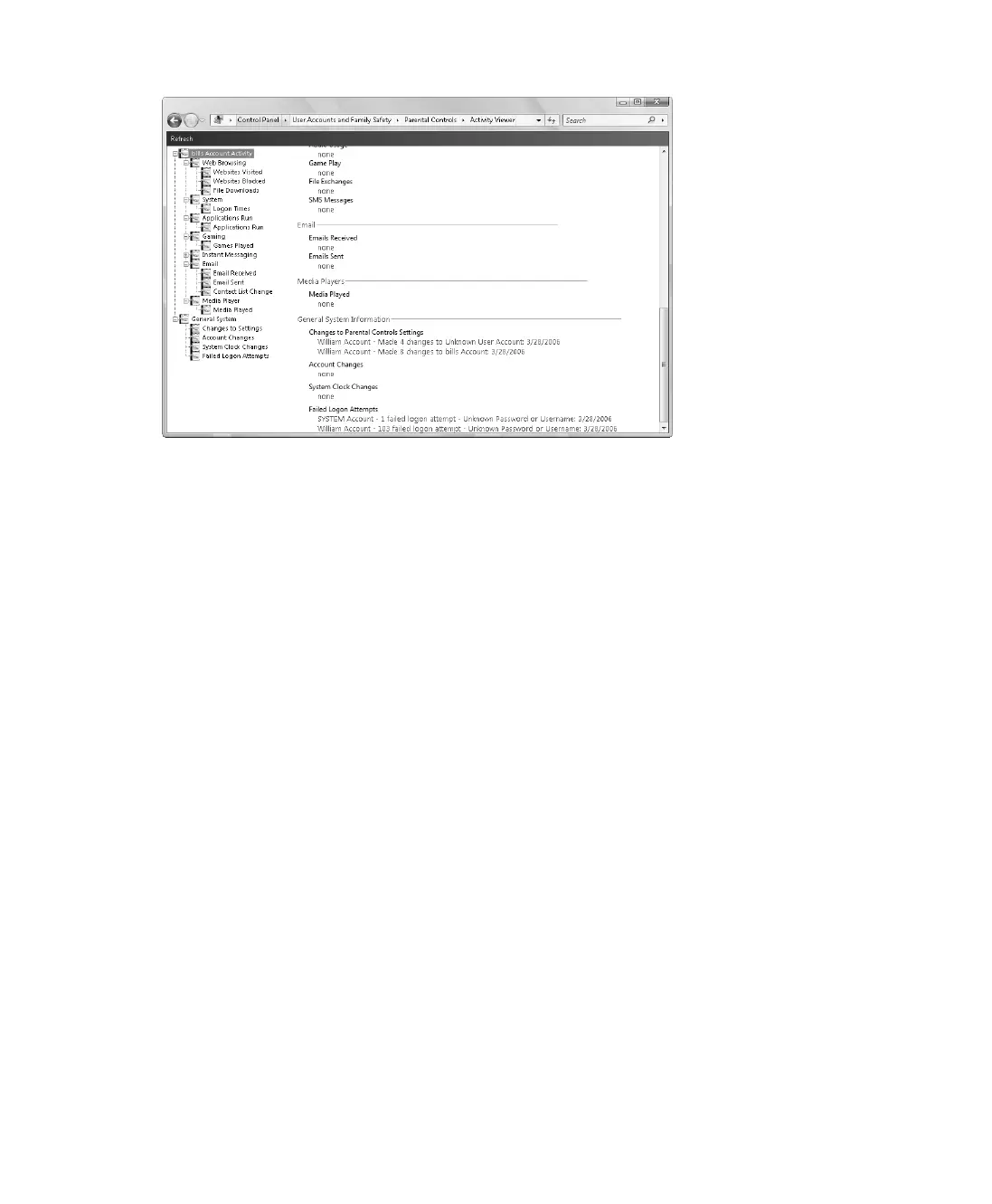
Figure 9-12 Viewing activity reports
By default, Activity Viewer provides summary details for all categories of information tracked.
Using the options provided in the left pane, you can access detailed information for each cat-
egory, which typically includes the date and time of the activity as well as other important
details. For example, if you want to see a detailed list of Web sites visited, you can expand
Account Activity, expand Web Browsing, and then select Websites Visited.
C09622841.fm Page 148 Wednesday, May 17, 2006 9:26 AM



 To Next Page