2
Getting Started
Microsoft
®
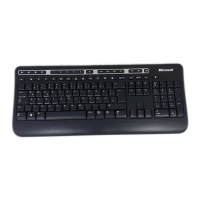
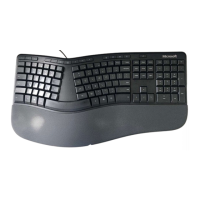
Desktop Set or Keyboard
Warning For important safety and health information, read the “Microsoft
Product Guide” later in this booklet.
Setup
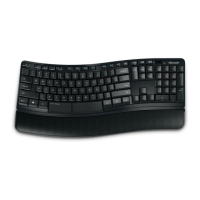
1 Connect the keyboard
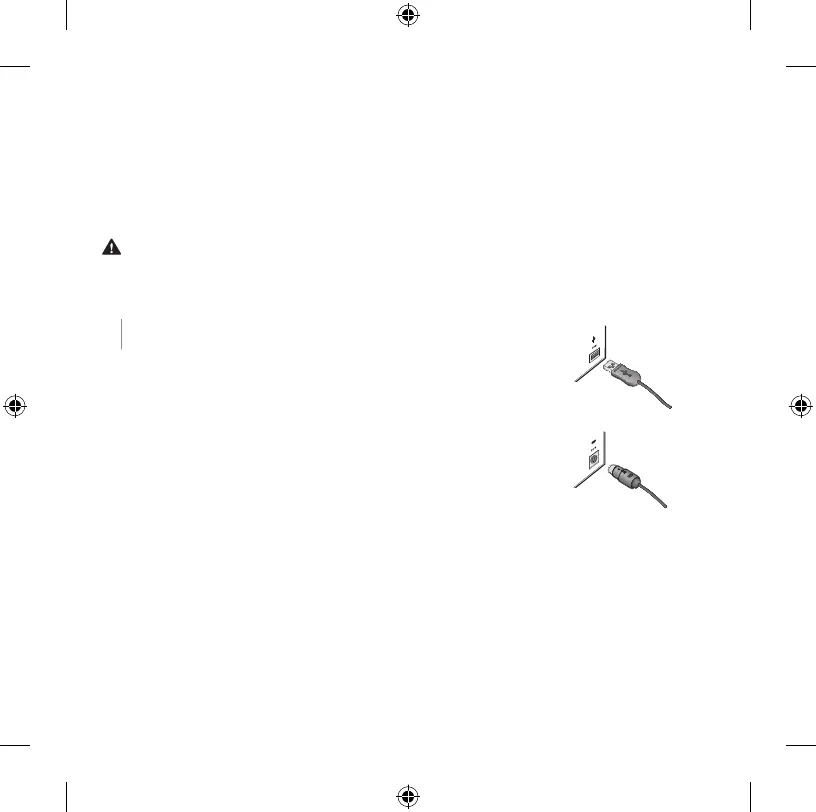
The connection depends on the keyboard plug and the
port on your computer.
●USB Turn on your computer, and then plug the
keyboard’s USB connector into a USB port on your
computer.
●PS/2 Turn off your computer, and then plug the
keyboard’s PS/2 connector into the PS/2 port on
your computer.
M
USB connector
PS/2 connector




 To Next Page