Top Case Replacement & Installation
Instructions
Required Tools and Components
Tools
• Anti-static wrist strap (1 MOhm resistance)
• Soft ESD (electrostatic discharge) safe mat
• Microfiber / lint free cloth
• Safety glasses
• Plastic pry tool (spudger)
• Dispenser bottle with Isopropyl alcohol (use 91% or greater)
• Cotton swab
Components
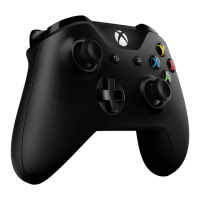
• Top Case (Xbox Elite Series 2) (Refer to Illustrated Service Parts List)
Prerequisite Steps
Discharge the battery
For devices with rechargeable lithium-ion batteries that power on, fully discharge the battery
before beginning repair. To expedite the battery discharge process:
• Connect the controller to a device wirelessly.
• Operate the device in wireless mode until the battery is fully discharged and the device
powers off.



 To Next Page