Procedure – Removing the Top Case
1. Separate Top Case
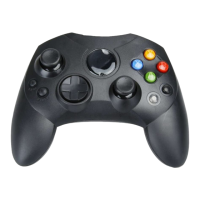
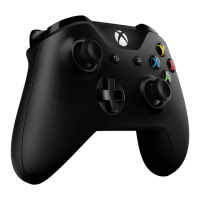
Using a plastic pry tool, insert the edge between the parting line at the top of the
controller, between the top and bottom cases. Press in gently until the snap releases. Work
around the edge of the device, while slowly wiggling it up and down to release the rest of
the snaps. Perform this around the entire controller and be sure to take your time.



 To Next Page