33
PDA will display “settings changed successfully”.
• When the PDA and the transmitter are not within the
communication range, the PDA will show “settings
change failed”. Make sure that the PDA and transmit-
ter are within communication range and try again.
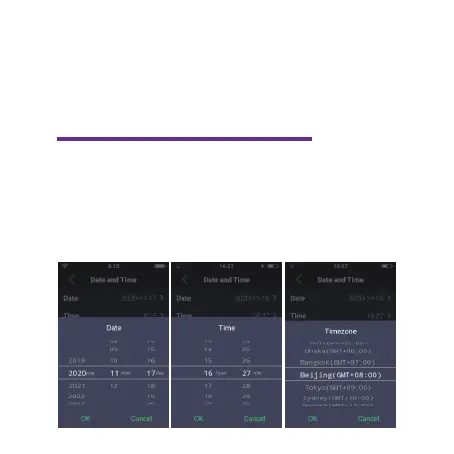
Date and time settings
• Press “Settings” on the PDA’s home screen to enter
the Settings menu.
• Press the “Date” or “Time” or “Time zone” option.
• Set the correct date, time and timezone and click “OK”.



 To Next Page