Installation Overview
The USB CameraMate is relatively easy to install and operate. To avoid complications during the
installation process, please follow the steps in order as described in this chapter.
Installing the driver software
Start up your Macintosh computer and close all other applications.
Insert the Microtech Installer CD-ROM
Double-click on the "Microtech DPCM-USB Installer" Icon
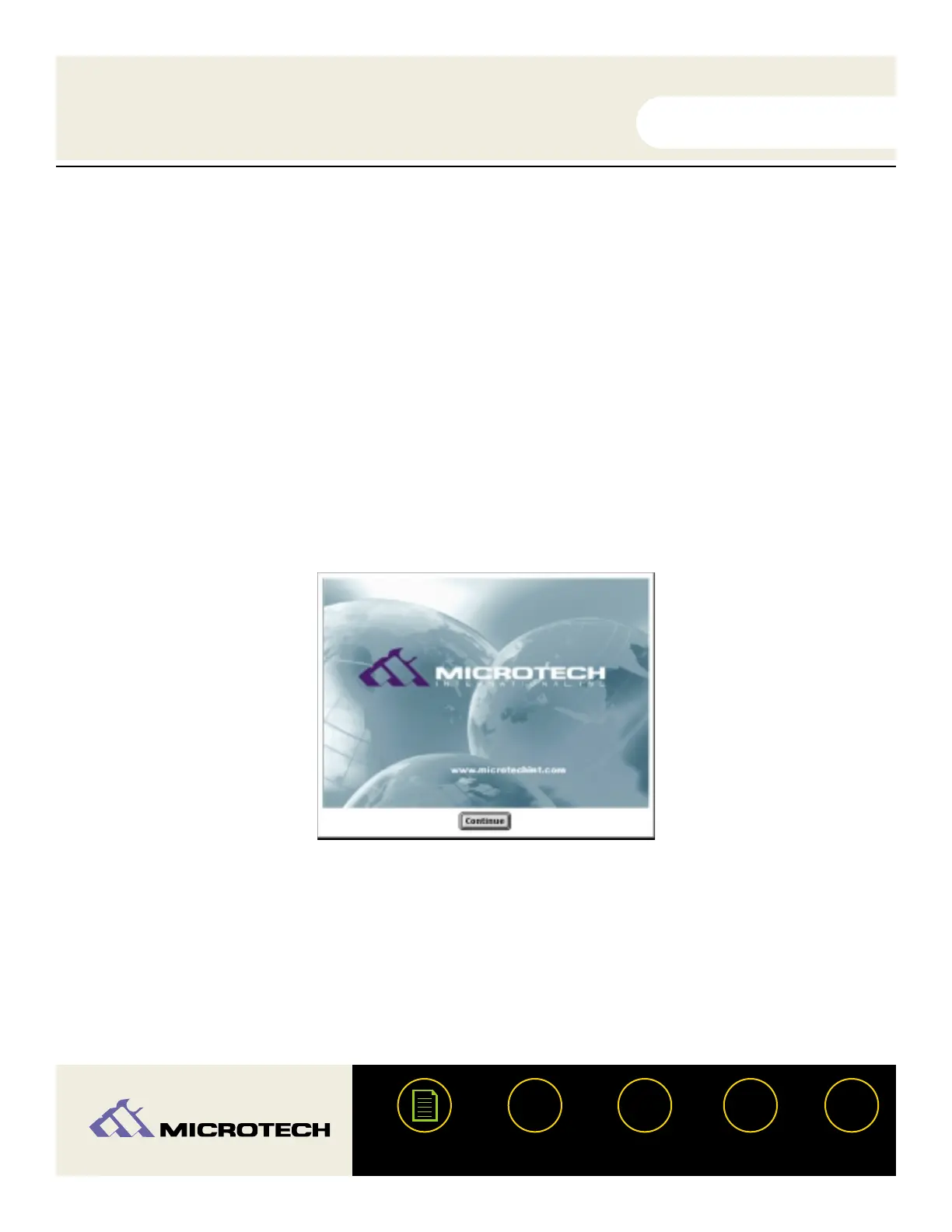
The following splash screen will arrear. Click "Continue."
Another screen will appear containing the Software License Agreement. Please read the
agreement. To acknowledge to the terms of the agreement, click "Agree".
USER'S
MANUAL
USER'S
MANUAL
USB CameraMate
?
HELP
CONTACT
NEXTBACK
CONTENTS
10
1.
2.
3.
4.
5.


 To Next Page