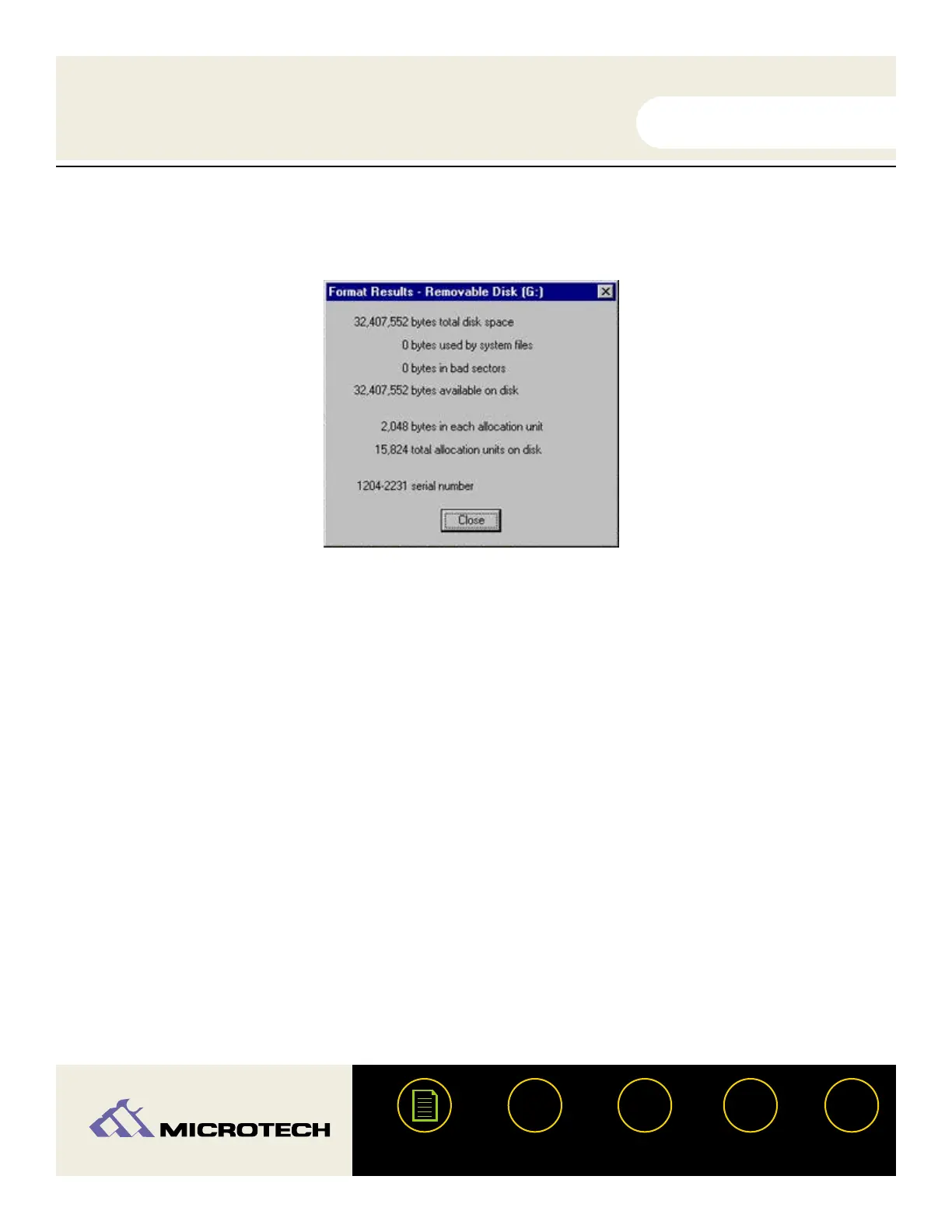
Click "Close." Formatting is now complete.
Removing a card (PC)
Make sure that the "Access/Power" indicator is not flashing. The access indicator will
flash when data is being read or written on the card. Wait until the operations are
complete and the access indicator is no longer flashing before attempting to remove the
card. Removing a card during access operations will cause the data to be lost. In
Windows 2000, you can right click and select "Eject." A message will appear advising that
it is now safe to eject the media.
Removing a CompactFlash card:
To remove a CompactFlash card, press the eject button located to the right of the
CompactFlash slot - the card will eject slightly out of the slot. With your thumb and index
fingers, grasp the end of the card and remove the card from the slot.
Removing a SmartMedia card:
To remove a SmartMedia card gently push the card inward - the card will then extend out
of the slot. With your thumb and index fingers, grasp the end of the card and remove the
card from the slot. Note: The spring-loaded slot is similar in concept to a retractable ball
point pen - push in once to insert, push in again to eject.
USER'S
MANUAL
USER'S
MANUAL
USB CameraMate
?
HELP
CONTACT
NEXTBACK
CONTENTS
32
6.
1.
2a.
2b.


 To Next Page