22 LS-4600 User's Manual
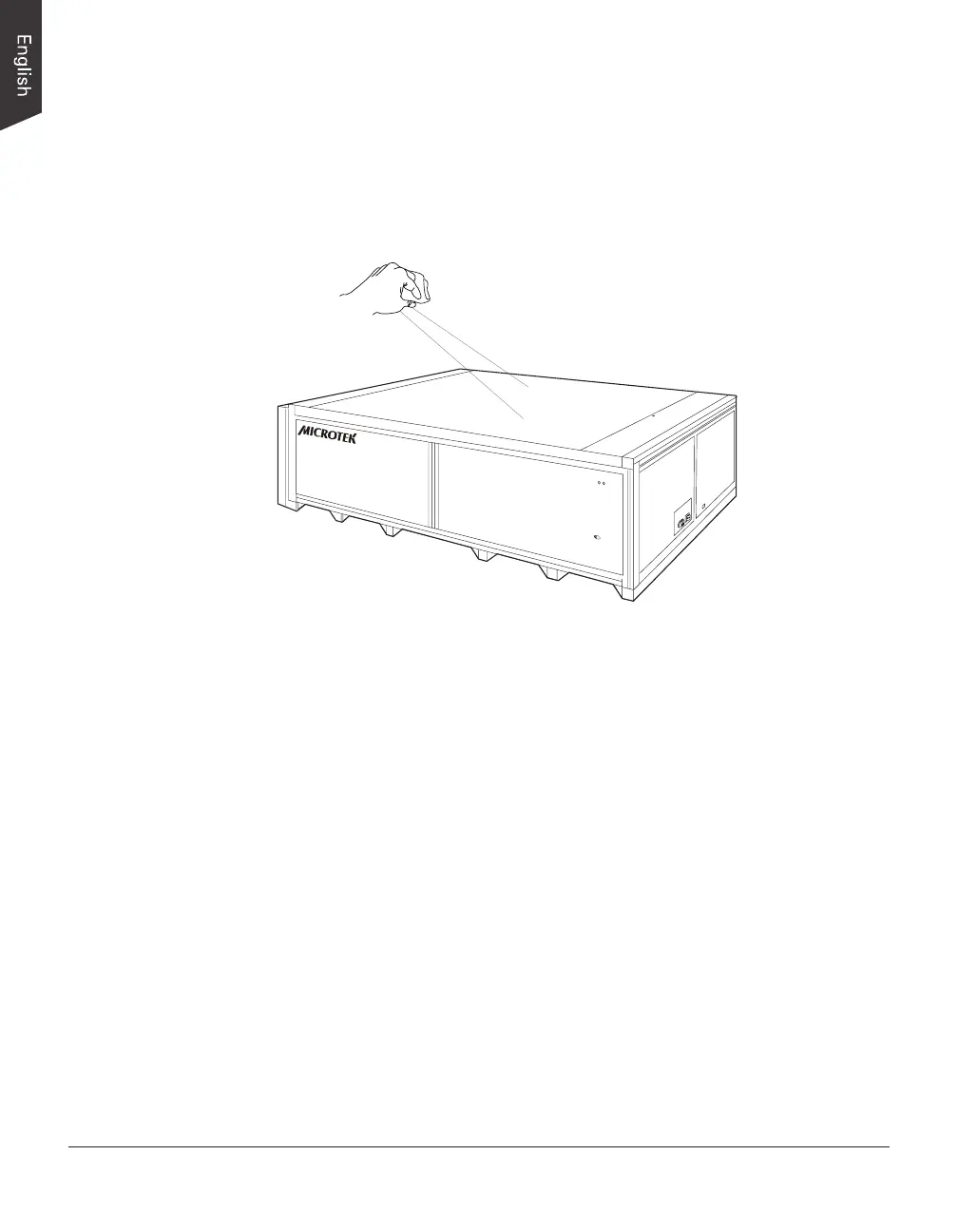
Cleaning the Glass Surface
To ensure optimal performance for your scanner, it is important to clean the glass
surface of the scanner on a regular basis. Use a soft, non-abrasive and lint-free
cloth to gently wipe the glass surface area on the scanner's atbed.
Maintenance
After usage for a period of time, the parts inside your scanner, such as the light
source, may become worn out, and a problem such as insufcient light supply
may occur. In this cases, contact your local dealers or wholesales for the
maintenance services.
Note: Your scanner need a professional to perform the required service or
maintenance. Do not attend to x or perform the maintenance by yourself, or it may
cause dangers to you or the scanner.










 To Next Page