23
3.1.5.1 Meter Mode - Conduction
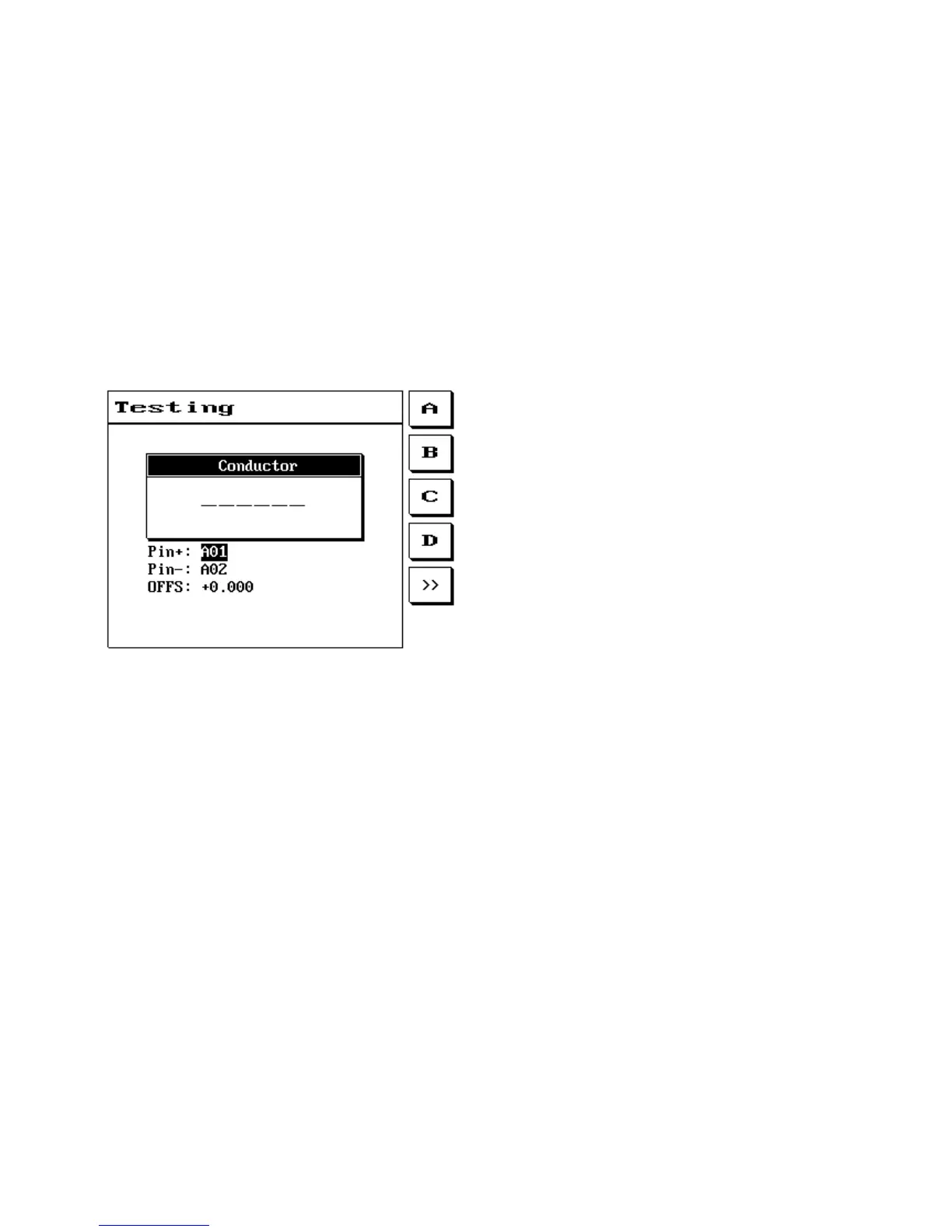
This function allows performing of conduction test.
pin+: connected pin + selection.
pin-: connected pin - selection.
OFFS: Compensation value setting.
The LCD screen will display as follows:
3.1.5.2 Meter Mode - Component
This function allows performing of component (R: resistance L: inductance C: capacitance D: diode)
measurement.
FUNC: Selects component type (R: resistance L: inductance C: capacitance D: diode).
pin+: connected pin + selection.
pin-: connected pin - selection.
OFFS: Compensation value setting.
D-Para: Test current setting (1-20mA).
The LCD screen will display as follows:



 To Next Page