14
Installation of Charging Base
PRODUCT INSTALLATION
13
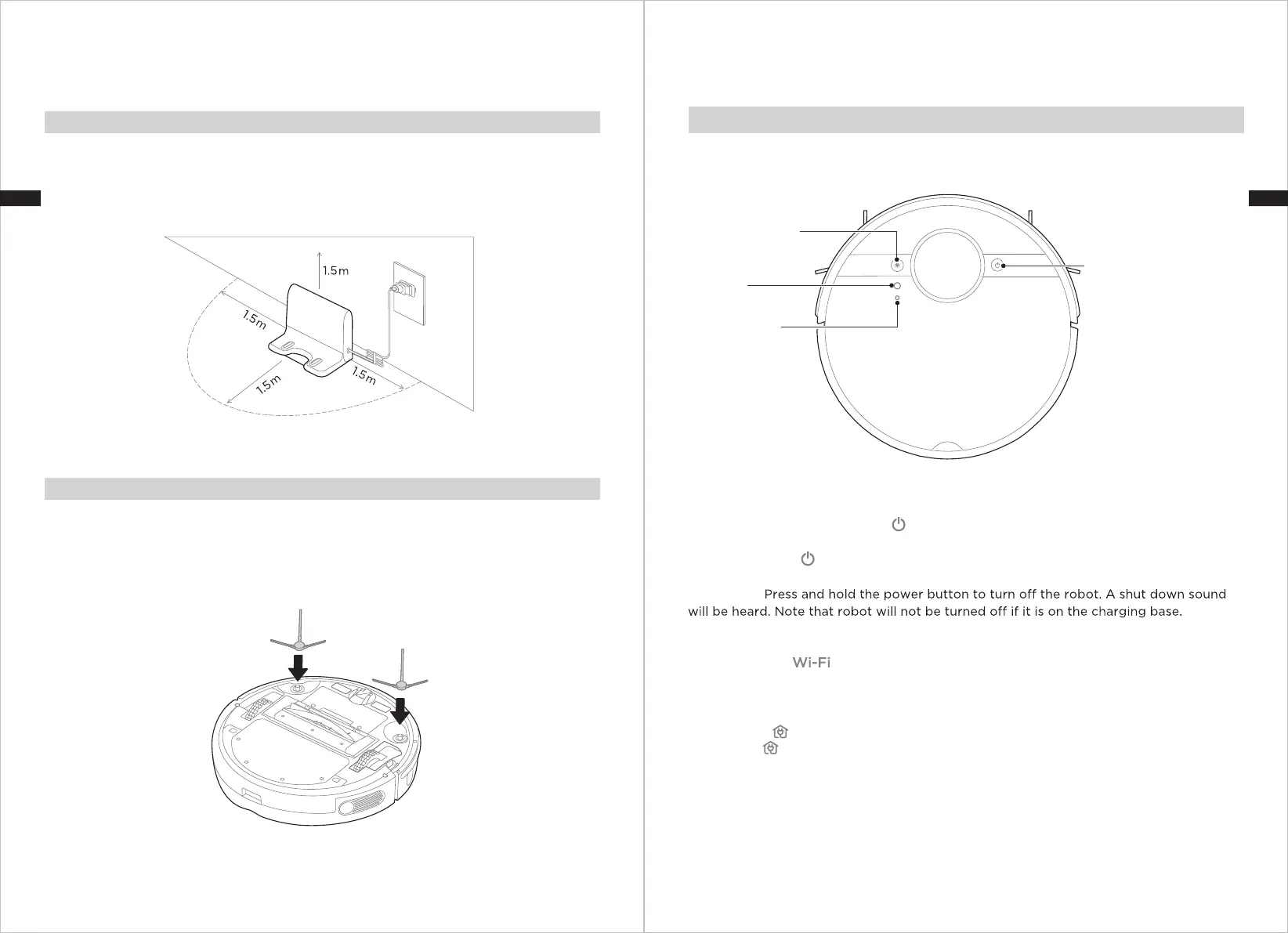
Make sure the power cable is connected into the charging base.
Place the charging base flat against a wall and make sure there leaves enough space
to the base, as shown in the figure below.
Ensure the charging base is connected to a power supply.
1.
2.
3.
Function of Buttons
OPERATION INSTRUCTIONS
Start / Pause / Shut Down
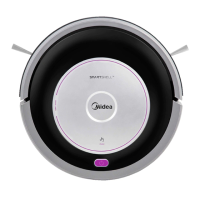
Press and hold to turn on the robot.
Start: Short press button or use App to start cleaning.
Pause: Short press to pause the cleaning. To resume cleaning, briefly press again.
Shut Down:
Networking
Press and hold the network pairing button for network configuration. Robot is in pairing
status if the light is flashing.
Recharge
Short press button to recharge.
Reset
Press “Reset” button to reset the robot if it is not responding or does not
function properly.
Installing the Side Brushes
Turn the unit over.
Attach the correct color side brush to the matching post and press down until they
fit into place.
Ensure side brushes can rotate freely.
1.
2.
3.
Start / Pause / Shut Down
Reset Button
(under the cover)
Network Pairing
Button
(under the cover)
Recharge Button
ENEN


 To Next Page